
TikTok Video Enhancer for Clearer Vertical Clips
Improve vertical source clips before TikTok compression. Reduce visible noise, refine soft details, and correct dim footage in an online workflow—without promising artificial engagement gains.
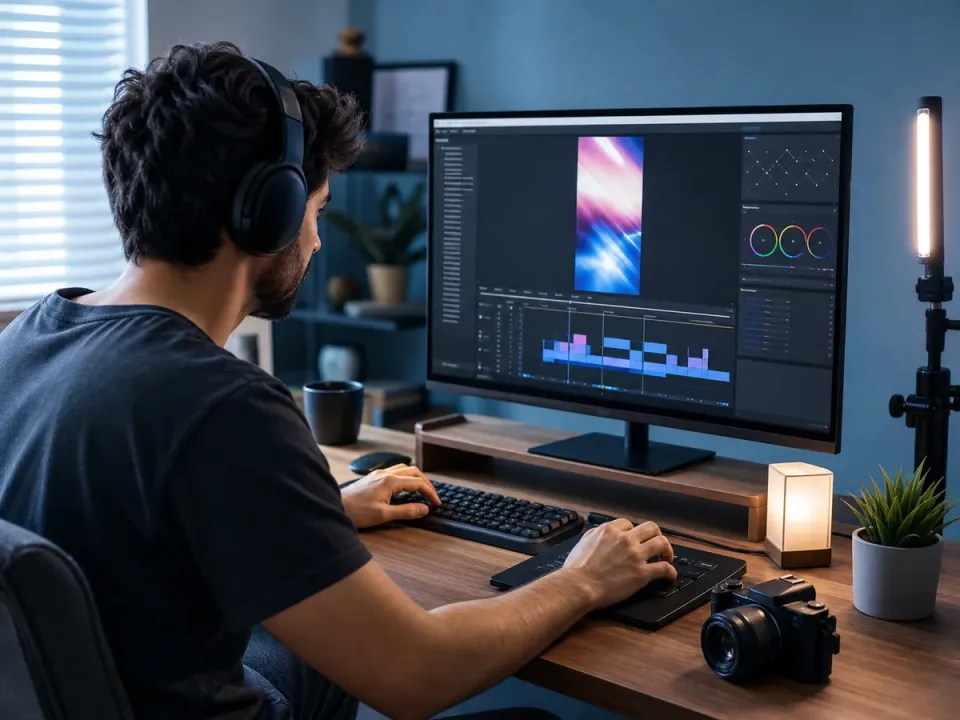
Enhance Video Quality Online Instantly
Drag and drop your file here to start. Supported formats: MP4, MOV, AVI, MKV.
How to Enhance TikTok Video Quality in 3 Steps
Our streamlined workflow is designed for mobile-first creators. Get professional results without complex editing software.
Upload Your Clip
Drag and drop your vertical video files directly into your browser. We support all common formats including MP4 and MOV.
- No credit card required
- Instant processing
- Secure cloud storage
Drop video here
MP4, MOV, WEBM
AI Enhancement
Select 'TikTok Optimization' mode. Our AI automatically analyzes the footage to upscale resolution, denoise, and correct color balance.
- No credit card required
- Instant processing
- Secure cloud storage
Enhancement Settings
Download & Post
Preview the enhanced output, compare it with the source, then download the version that best fits your TikTok upload workflow.
- No credit card required
- Instant processing
- Secure cloud storage

Why TikTok Video Quality Drops After Upload
An AI TikTok video enhancer can clean the source, but upload quality also depends on capture, editing, export, connection, and TikTok's own encoding. Diagnose the weak link before processing the clip again.
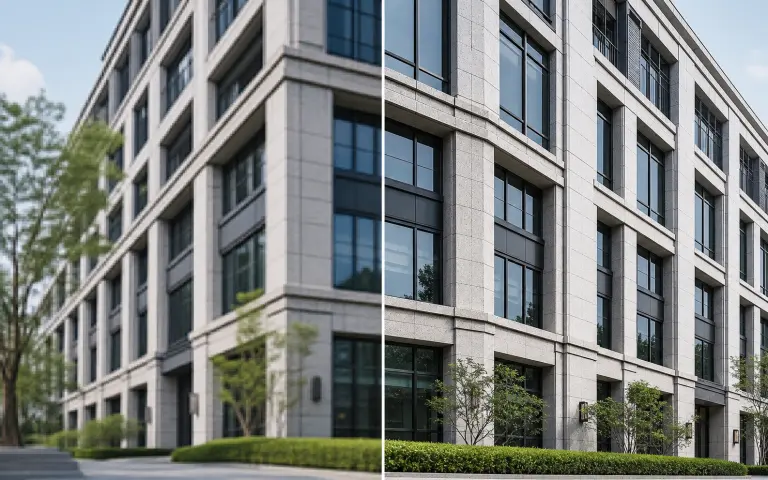
The Source Was Already Compressed
Downloaded clips, messaging-app copies, and reposted videos may already contain blockiness and blurred edges. Enhance the earliest available master instead of a copy that has passed through several platforms.
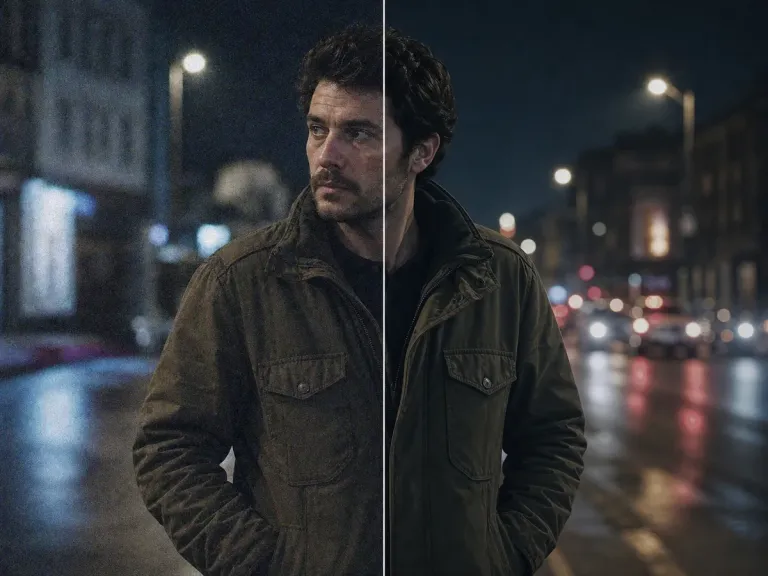
Low Light Added Heavy Noise
Phones raise sensitivity in dark scenes, creating grain and smeared motion. Better lighting at capture time preserves more real detail than any later filter can recreate.
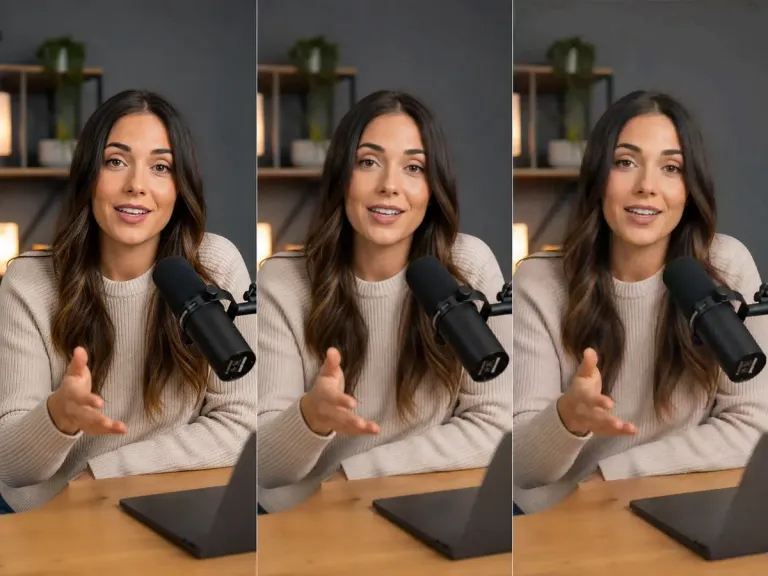
The Video Was Exported Multiple Times
Every lossy export can soften captions, faces, gradients, and fast motion. Finish edits in one project and create the TikTok upload file directly from the highest-quality timeline.
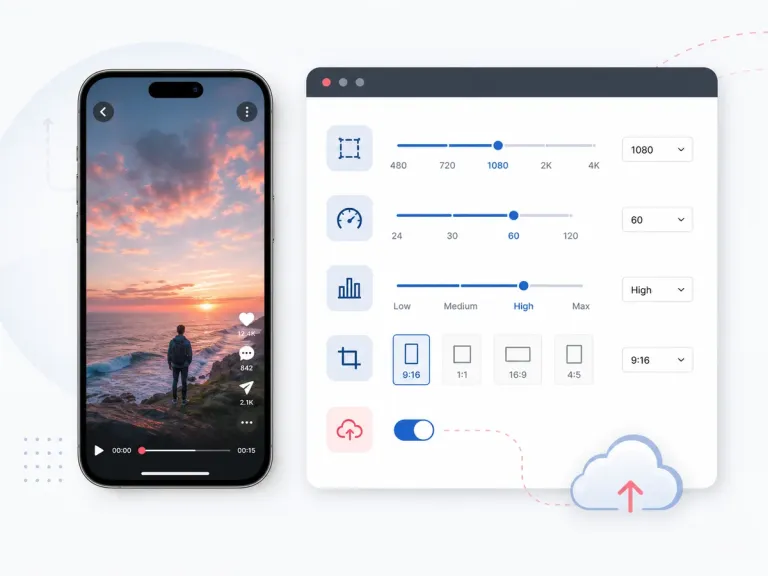
Aspect Ratio or Framing Was Mismatched
Unexpected cropping and resizing can occur when a horizontal or square master is forced into a vertical feed. Prepare the intended portrait composition before uploading.
Upload or Playback Settings Reduced Quality
A weak connection, Data Saver, or an unavailable high-quality upload option can affect what you upload or preview. Check the current app settings and review the published post on a reliable connection.
Hover over any card to preview the AI enhancement magic
Video Enhancement Features for TikTok Clips
Why do top creators use AIAI.com? Our specialized toolkit targets the specific compression and quality issues found in social media video.
4K Smart Upscaling
Transform 720p or 1080p footage into stunning 4K. Our deep learning models invent new pixels to sharpen edges and details, ensuring your TikTok video enhancement looks crisp even on large screens.
- Sharper details
- Artifact removal
- Retina-ready

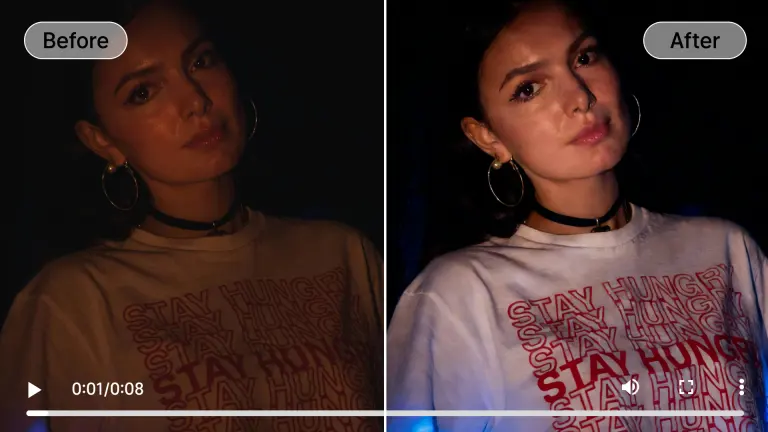
Intelligent Night Mode
Don't let bad lighting ruin a trend. Our AI brightens dark scenes and removes grainy ISO noise while preserving natural skin tones and colors.
- Noise reduction
- Natural brightness
- Color fidelity
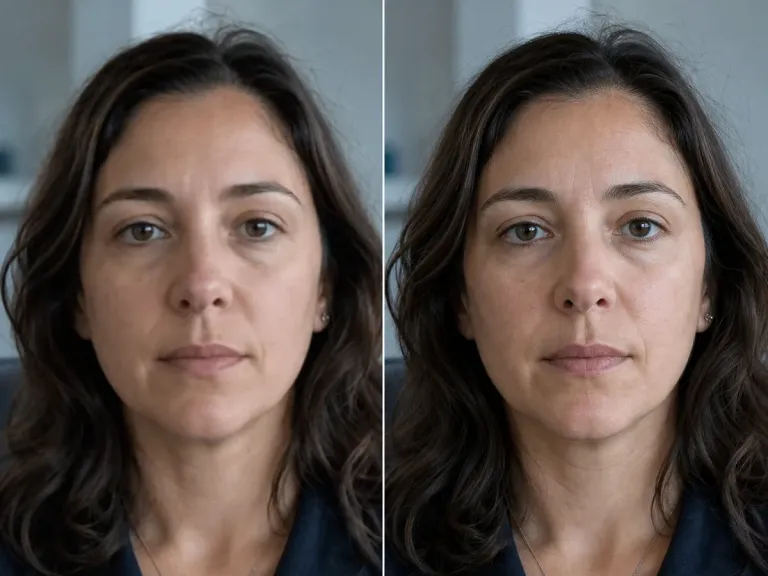
Face Recovery Engine
Perfect for selfie videos and makeup tutorials. The AI detects faces in motion and reconstructs eye, skin, and hair details to ensure you always look your best.
- Clear eyes
- Smooth skin
- Sharp features
AI Frame Smoothing
Convert choppy 30fps footage into buttery smooth 60fps. Essential for dance challenges and fast-paced transitions to keep viewers glued to the screen.
- Fluid motion
- Slow-mo ready
- Jitter reduction
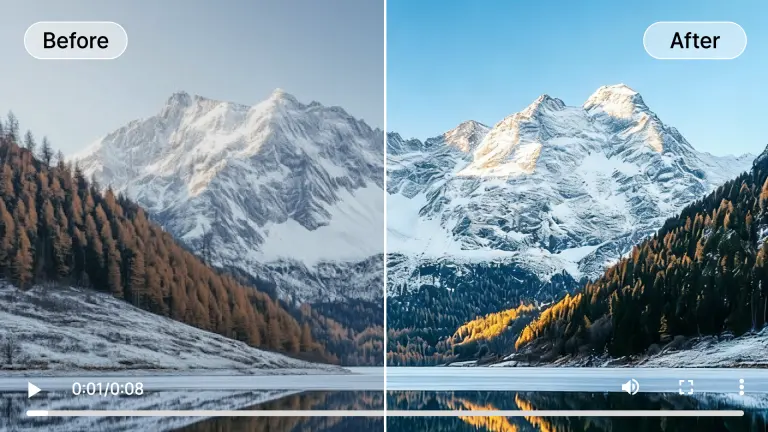
Vibrant Color Grading
Automatically balance exposure and saturation. Give your videos that premium, high-production look that stands out on the For You Page.
- HDR effect
- Auto-balance
- Pop colors
What Video Enhancement Does for TikTok Before Upload
TikTok video enhancement improves the source file before platform compression. Start with a cleaner master so resolution, motion, lighting, and fine details have a better chance of surviving the upload.
Strengthens the Source Resolution
Upscale low-resolution clips and refine visible edges before posting. This gives TikTok a cleaner source to encode, although the platform may still resize or compress the final video.
- Cleaner source
- Sharper edges
- Better large-screen viewing
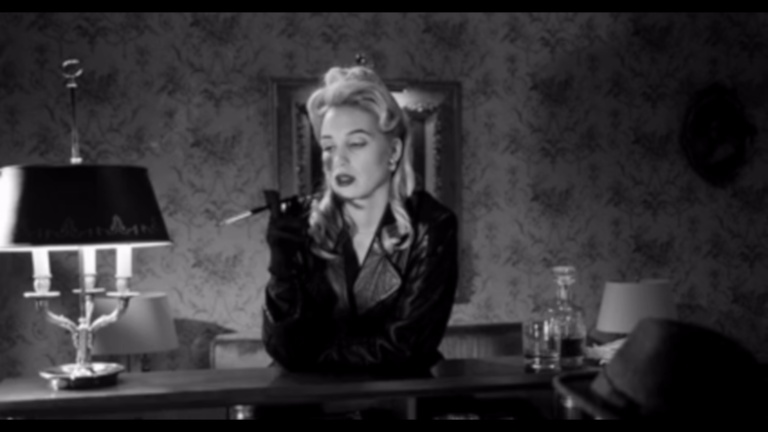
Reduces Existing Compression Artifacts
Clean up blockiness, ringing, and noise already present in downloaded, reposted, or heavily edited clips before TikTok applies another encoding pass.
- Less blockiness
- Cleaner gradients
- Improved fine detail
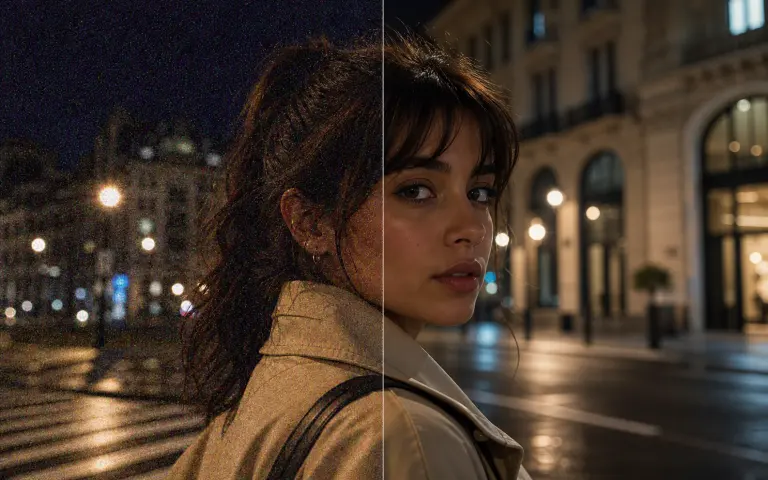
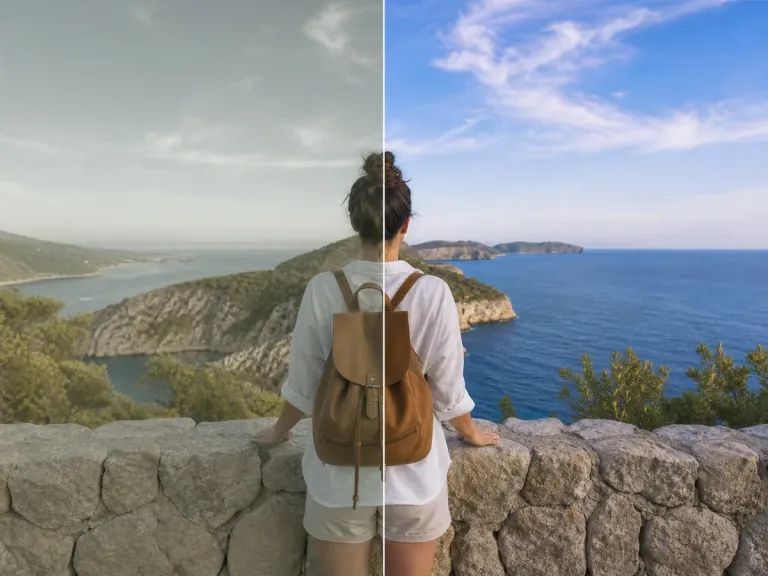
Improves Lighting and Color Balance
Lift dark footage, reduce visible grain, and balance color so faces, products, and backgrounds remain easier to see in a fast-scrolling mobile feed.
- Brighter subjects
- Reduced grain
- Balanced color
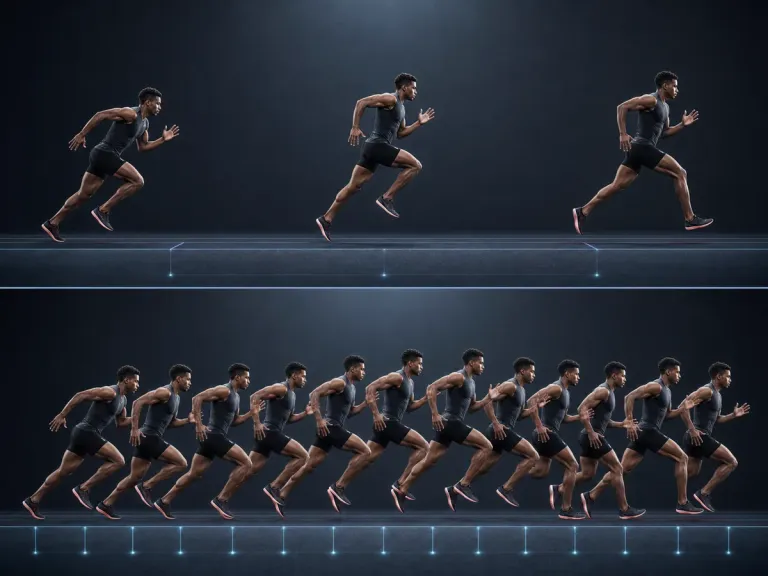
Makes Motion Look More Consistent
Frame-aware processing can reduce jittery-looking detail and improve perceived smoothness in dance clips, transitions, gameplay, and other fast-moving TikTok edits.
- More stable detail
- Smoother movement
- Cleaner transitions
Optimized for Every TikTok Niche
Whether you are a dancer, educator, or vlogger, our TikTok video enhancer adapts to your specific content style.
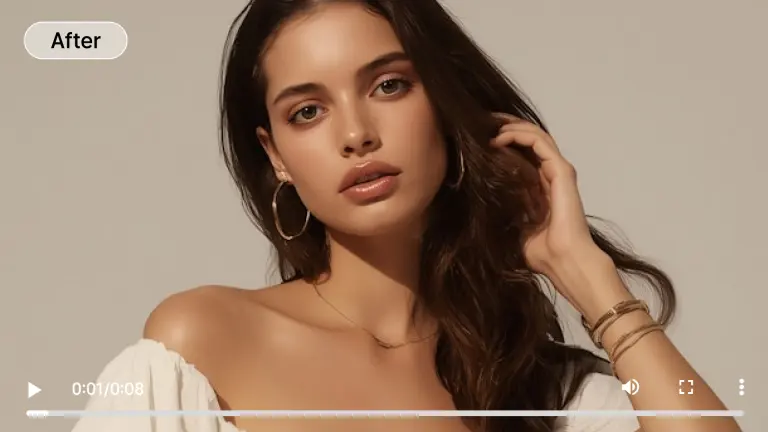
Dance and Motion Clips
Ensure every move is captured clearly. Our motion-aware upscaling prevents blurring during fast movements, making your choreography pop.
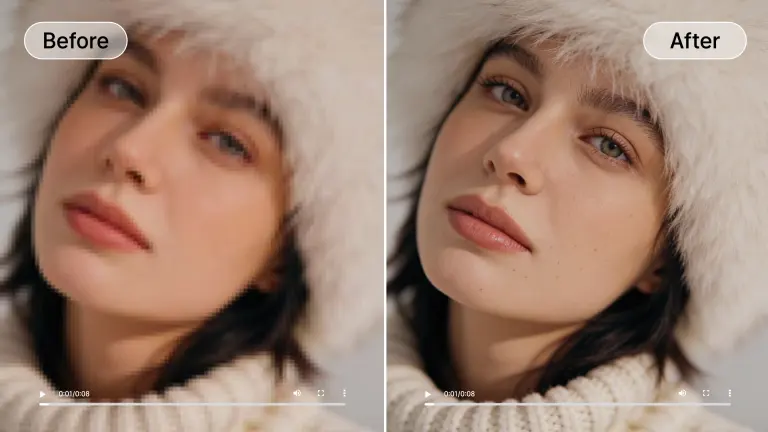
Beauty & Makeup
Showcase true textures and colors. Enhance TikTok videos for close-ups to reveal the subtle details of eyeshadow, skin texture, and product application.
Night Vlogs
Film anywhere, anytime. Our low-light enhancement makes night-time city walks and party clips look professional and noise-free.
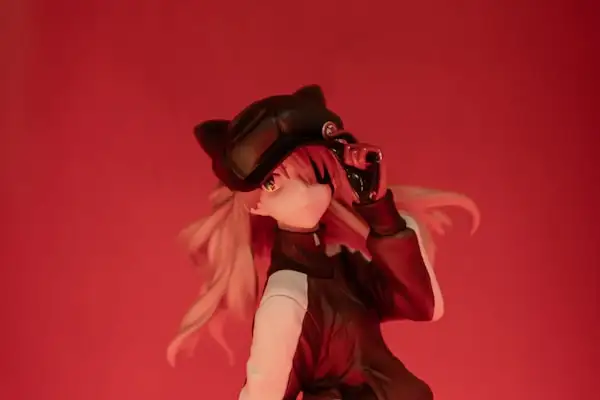
Anime & Fan Edits
Upscale classic anime clips to 4K. Remove compression artifacts from ripped footage to create the cleanest fan edits on the platform.
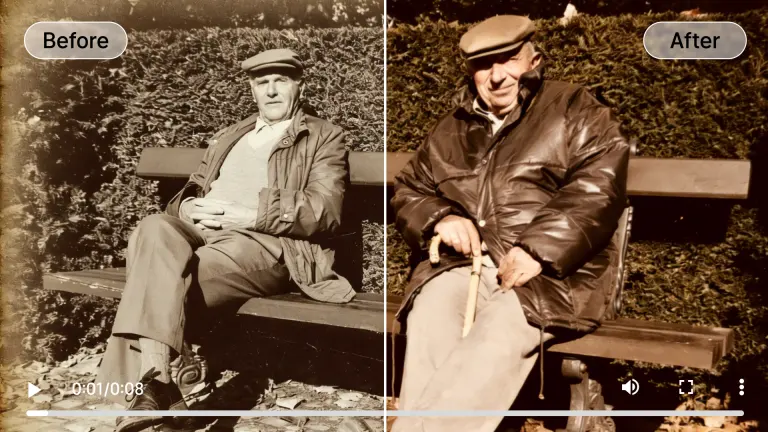
Educational Content
Make text legible. If you record screens or show documents, our text clarity engine ensures your captions and visual aids are perfectly readable.
Hover over any card to preview the AI enhancement magic
TikTok Video Quality Checklist: Enhance, Export, and Upload
Top results combine AI enhancement with a practical publishing workflow. A clean source and a careful final export matter more than simply choosing the largest resolution number.
Enhance the Highest-Quality Source
Use the original camera file or editing master. Apply denoising, detail recovery, lighting correction, or frame smoothing only where the clip needs it, then inspect faces, captions, and motion for artifacts.
- No credit card required
- Instant processing
- Secure cloud storage
Enhancement Settings
Export for the Intended TikTok Frame
Use a vertical 9:16 composition when appropriate, keep a sensible 30 or 60 fps frame rate that matches the source, and avoid unnecessary re-exports. For a standard portrait post, verify the 1080 × 1920 framing before upload.
- No credit card required
- Instant processing
- Secure cloud storage
Upload with Quality Options Enabled
Use a stable connection, enable TikTok's high-quality or HD upload option if it appears in your current app version, and avoid judging the post while Data Saver is active. Recheck the published video after processing finishes.
- No credit card required
- Instant processing
- Secure cloud storage
Drop video here
MP4, MOV, WEBM
Enterprise-Grade AI Technology
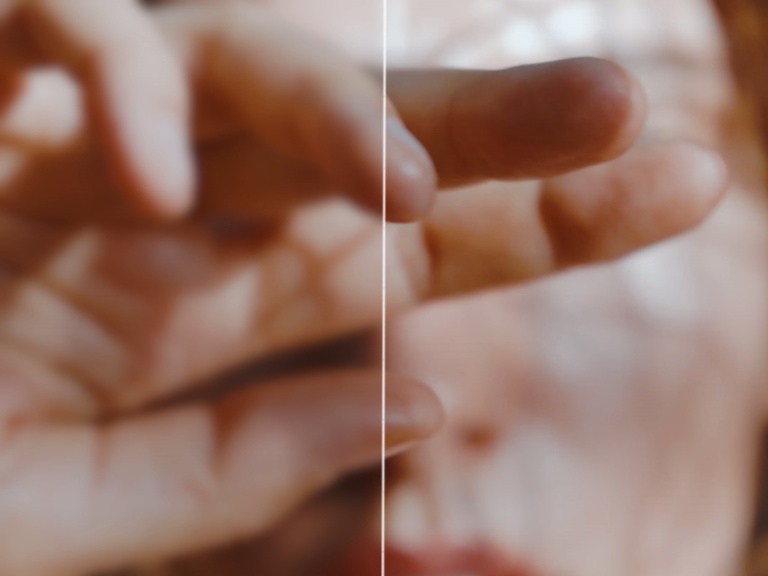
We leverage cutting-edge generative adversarial networks (GANs) to hallucinate realistic details that weren't in the original file.
Cloud-Based Power
No need for expensive GPUs. Our server clusters process your video instantly, saving your battery and storage space.
Privacy First
Your uploads are encrypted and automatically deleted from our servers after processing. Your content remains 100% yours.
Smart Compression
We optimize the output codec to ensure high quality with smaller file sizes, perfect for TikTok's upload limits.
Temporal Consistency
Unlike basic filters, our AI analyzes past and future frames to ensure stable enhancements without flickering.
Who Needs TikTok Video Enhancement?
From casual posters to professional brand managers, TikTok video enhancement workflows for everyone.
Content Creators
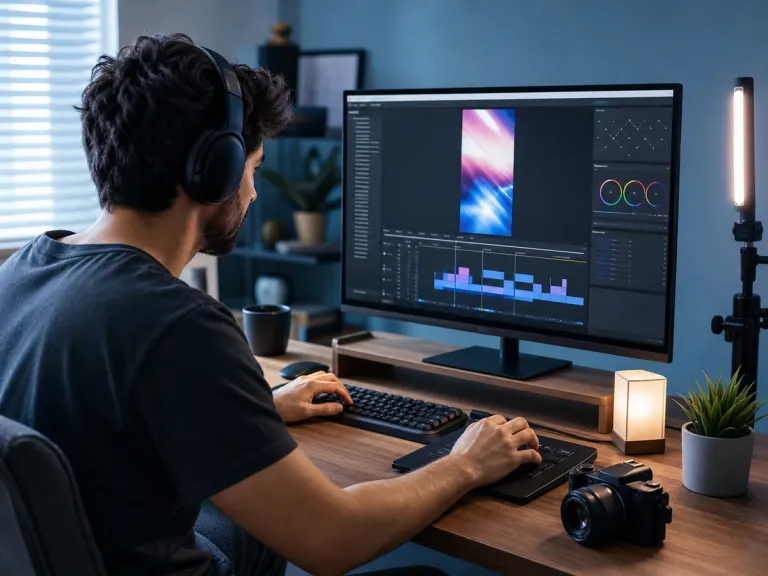
Maintain a consistent, high-quality aesthetic across all your posts to attract brand deals and grow your following faster.
Brand Marketing
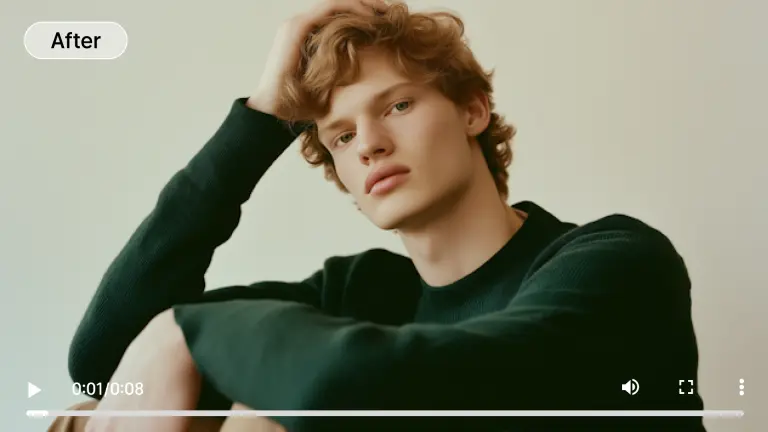
Repurpose horizontal YouTube ads or TV spots into crisp vertical formats without losing quality or brand prestige.
Memory Restorers
Bring old phone videos from 2015 back to life. Upscale low-res memories to share them with modern clarity.
Gaming Streamers
Ensure your stream highlights look sharp even after compression. Make text and UI elements readable on mobile screens.
TikTok Shops
High-fidelity product videos convert better. Show texture, material, and function clearly to reduce returns.
All processed securely in the cloud. No heavy hardware needed.
Flexible Plans to Increase Video Quality AI
Choose the plan that fits your needs. Start with our free video enhancer option to test the waters.
Loading magic...
Frequently Asked Questions about Tiktok Video Enhancer
Everything you need to know about how to enhance TikTok video quality with AIAI.com.