
Upscale Low-Resolution Video to 1080p Online
Convert compatible 360p, 480p, or 720p footage to 1080p output while reducing visible noise and improving edge clarity. Upload, preview, and compare the enhanced result in your browser.

Enhance Video Quality Online Instantly
Drag and drop your file here to start. Supported formats: MP4, MOV, AVI, MKV.
How to Upscale Video to 1080p in 3 Steps
Our automated process makes professional video restoration accessible to everyone. Transform SD to HD in minutes with our simple workflow.
Upload Low-Res Video
Select your MP4, AVI, or MOV file. We support direct uploads for 360p, 480p, and 720p footage that needs a quality boost.
- No credit card required
- Instant processing
- Secure cloud storage
Drop video here
MP4, MOV, WEBM
AI Enhancement Process
Our deep learning models analyze every frame, adding missing details to upscale video to 1080p while removing compression artifacts.
- No credit card required
- Instant processing
- Secure cloud storage
Enhancement Settings
Download HD Result
Preview the difference instantly. Once satisfied, download your crystal clear 1080p video ready for YouTube or large screens.
- No credit card required
- Instant processing
- Secure cloud storage

Professional 1080p Upscaling Features
Beyond simple resizing, our AI reconstructs details to turn 360p and 480p footage into genuine high-definition video.
Smart 480p to 1080p Upscaler
Don't just stretch pixels; generate them. Our AI analyzes surrounding pixels to intelligently predict and insert new details, making the upscale from SD to HD look native and sharp.
- 4x Resolution Boost
- Sharp Edges
- Natural Textures

Advanced Noise Reduction
Low-resolution videos often suffer from grain and ISO noise. We clean up the signal before upscaling, ensuring your 1080p result is pristine and clear, not just a larger version of a grainy video.
- Remove ISO Grain
- Fix Compression Blocks
- Clearer Night Shots
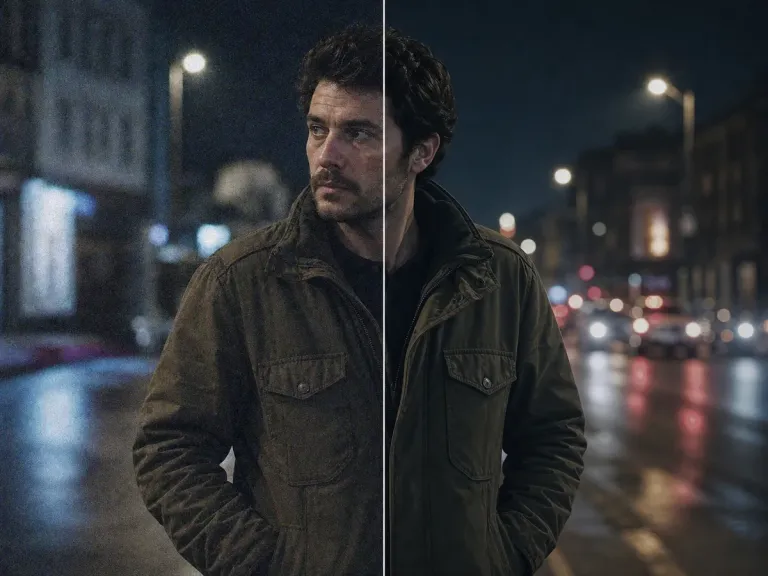
Motion Artifact Removal
Fast-moving objects in low-res video often appear blurry or jagged. Our engine stabilizes these elements during the upscale process to maintain fluidity.
- Reduce Jitter
- Sharpen Action
- Fluid Playback
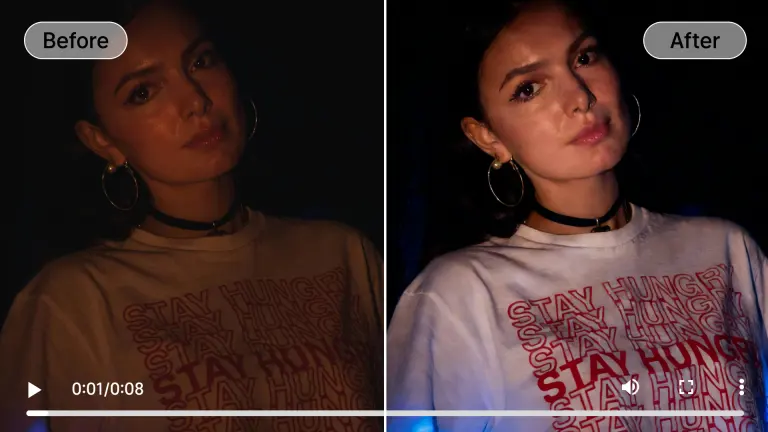
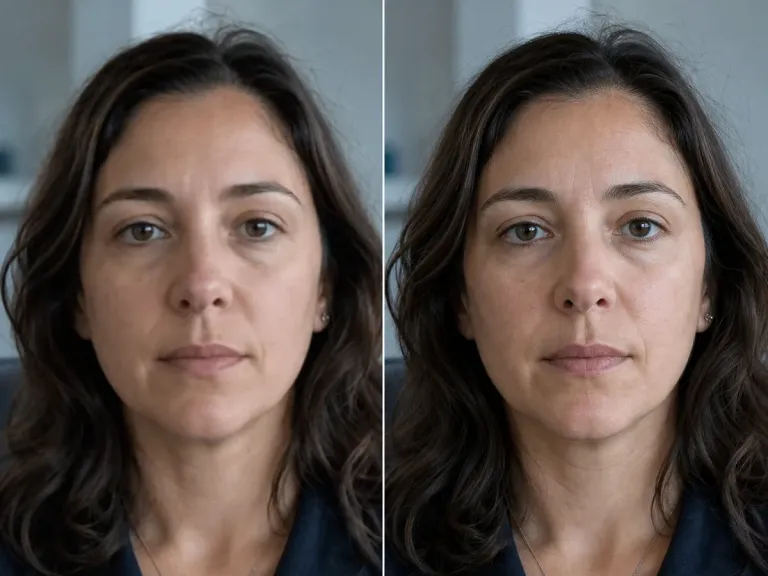
Facial Detail Recovery
When you upscale video to 1080p, faces are the most critical element. Our dedicated portrait model reconstructs eyes, skin texture, and hair with photorealistic accuracy.
- Eye Enhancement
- Skin Smoothing
- Feature Restoration
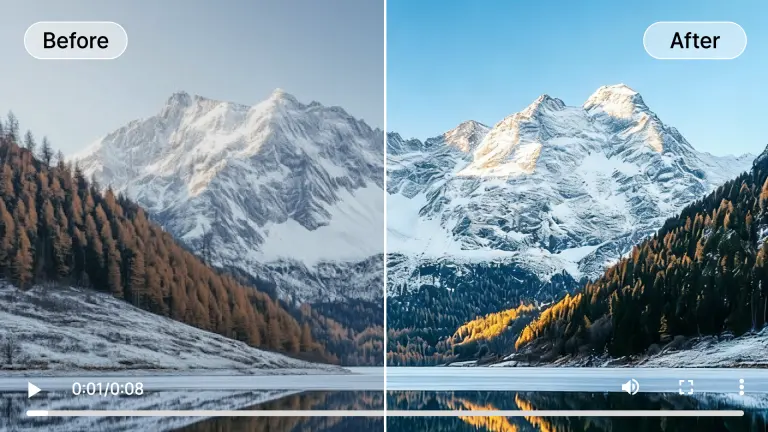
Vibrant Color Restoration
Old 360p clips often look washed out. As we upscale, we also intelligently balance contrast and saturation to give your video a modern, cinematic look.
- HDR Effect
- True Blacks
- Vivid Colors
Real-World Enhancement Scenarios
Whether it's old home movies or low-res social media clips, see how our video quality enhancer 1080p transforms footage across different contexts.
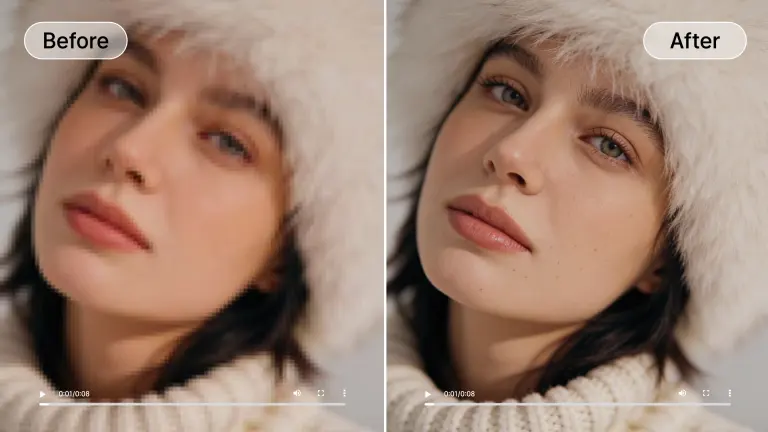
Social Media Content
Upscale mp4 to 1080p for TikTok, Instagram, or YouTube. Turn blurry phone recordings into professional-grade content that retains viewer attention.
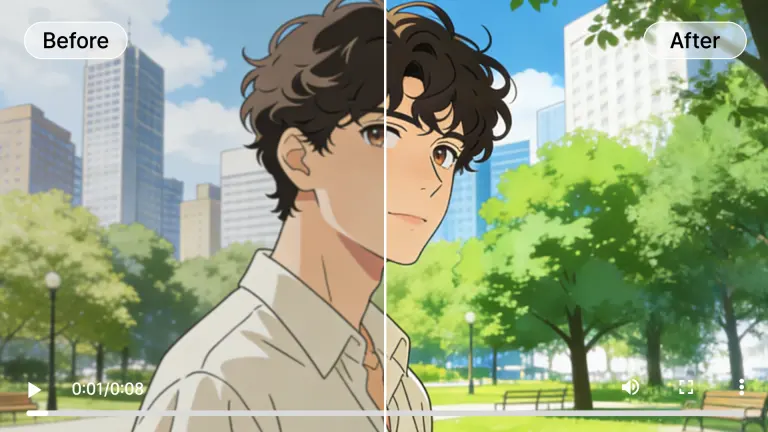
Anime & Animation
Perfect for upscaling 480p anime episodes to 1080p. Our algorithm keeps lines sharp and colors flat, avoiding the muddy look of traditional upscalers.
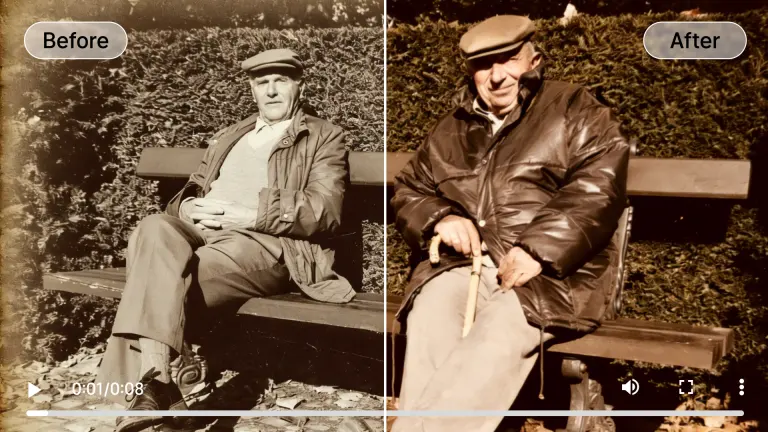
Archive Restoration
Bring family memories into the HD era. Upscale 360p to 1080p from old digital camera files or digitized VHS tapes, removing age-related artifacts.
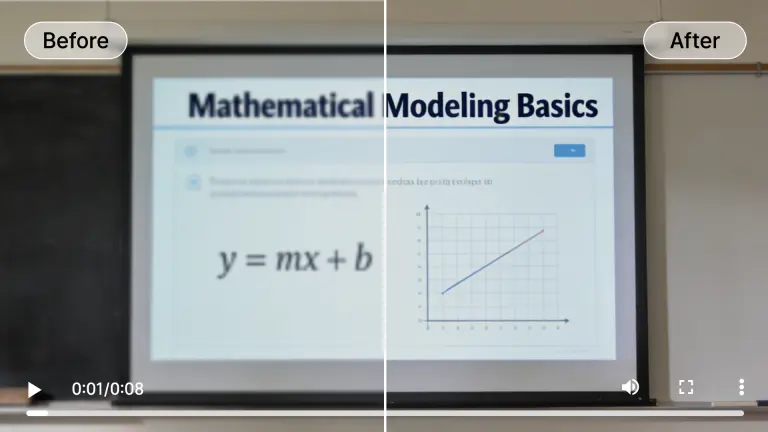
Lecture & Webinar Recordings
Make text readable again. Use our 480p to 1080p upscaler to clarify blurry slides, whiteboards, and screen shares in educational content.
Low Light Footage
Enhance dark, grainy videos taken at concerts or parties. We reduce the noise while boosting the resolution, revealing details hidden in the shadows.
Hover over any card to preview the AI enhancement magic
Why Our 1080p Upscaler Leads the Industry
Built on cutting-edge generative adversarial networks (GANs), our engine is designed specifically to upscale video to 1080p without introducing visual artifacts.

Temporal Consistency
Unlike image upscalers that process frame by frame, our video engine analyzes time. This prevents flickering and ensures smooth transitions when you upscale 480p to 1080p.
Detail Synthesis
Our AI hallucinates realistic textures—like fabric weaves, hair strands, and foliage—that were completely lost in the original 360p file.
Cloud-Powered Speed
No need for a $2000 GPU. Our massive server clusters handle the heavy lifting, letting you upscale mp4 to 1080p from any device, including Chromebooks and tablets.

Secure Processing
Your privacy is paramount. Videos are processed on encrypted servers and automatically deleted after 24 hours. Your data never trains our public models.
Who Needs a 480p to 1080p Upscaler?
From content creators to archivists, AIAI.com provides the professional quality needed for every project.
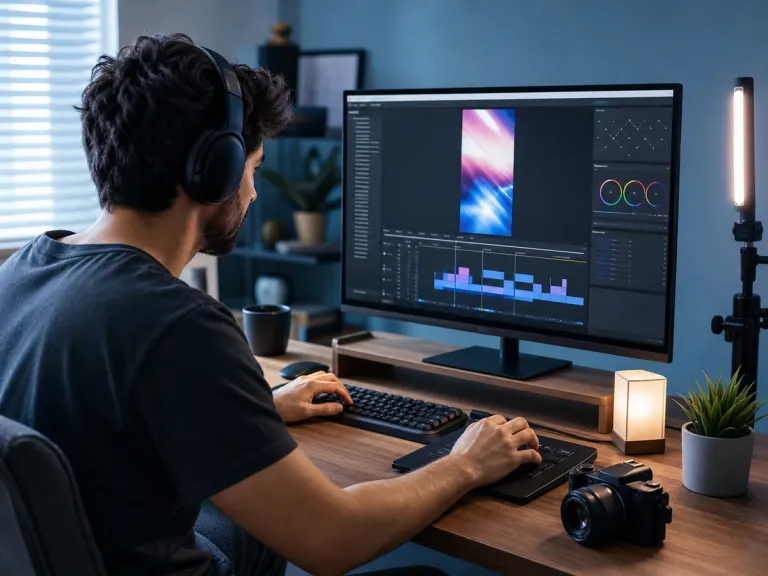
Social Media Influencers
Prepare older vlogs or phone clips for a 1080p upload. A cleaner source can withstand platform compression better, but resolution alone does not determine reach or engagement.
Digital Archivists
Preserve history by converting digitized tapes and 360p web clips into viewable 1080p formats for modern displays and smart TVs.

Marketing Teams
Reuse legacy campaign assets. Don't reshoot—simply upscale video to 1080p to repurpose existing commercial footage for new high-def ads.

Retro Gamers
Share your classic gameplay. Upscale 480p captures from old consoles to crisp 1080p so your speedruns look great on Twitch and YouTube.

Online Educators
Ensure your students can read the board. Enhance old lecture recordings and Zoom clips to professional 1080p quality for your course library.
All processed securely in the cloud. No heavy hardware needed.
Flexible Plans to Increase Video Quality AI
Choose the plan that fits your needs. Start with our free video enhancer option to test the waters.
Loading magic...
Frequently Asked Questions
Everything you need to know about our video quality enhancer 1080p online free tool.