
Enhance Video Quality Before Uploading to YouTube
Improve source footage before it goes through YouTube compression. Reduce visible noise, sharpen soft details, and upscale compatible clips for HD or 4K export in an online workflow.
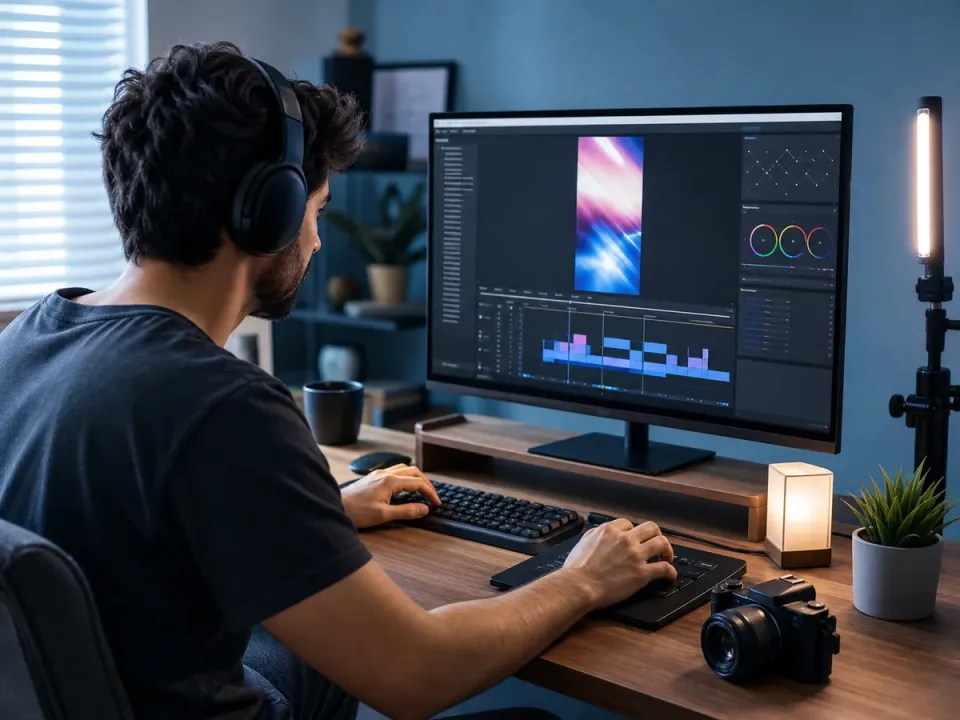
How to Improve Video Quality on YouTube
Three simple steps to professional-grade content. No technical skills required to use our YouTube improve video quality tool.
Upload Your Footage
Drag and drop your raw video file. We support all major formats including MP4, MOV, and AVI utilized by creators.
- No credit card required
- Instant processing
- Secure cloud storage
Drop video here
MP4, MOV, WEBM
Select AI Enhancement
Choose 'YouTube Optimizer' mode to automatically de-noise, sharpen, and AI upscale YouTube video resolution.
- No credit card required
- Instant processing
- Secure cloud storage
Enhancement Settings
Download & Publish
Get your crystal-clear 4K video ready for upload. Higher quality means better compression handling by YouTube.
- No credit card required
- Instant processing
- Secure cloud storage
Why Use Our Enhancer for YouTube?
Outsmart the compression algorithm. Our tools are specifically tuned to help you improve video quality on YouTube uploads.
AI Upscale to 4K
Turn 1080p footage into native-looking 4K. YouTube's bitrate allocation favors higher resolutions, giving your upscaled videos significantly better clarity than standard HD uploads.
- Triggers VP9 codec
- Sharper details
- Future-proof content

Low-Light Denoising
Vlogging indoors or at night? Our enhancer for YouTube identifies and removes ISO grain while keeping skin tones natural, ensuring your videos look professionally lit.
- Clean shadows
- Natural skin texture
- Better compression
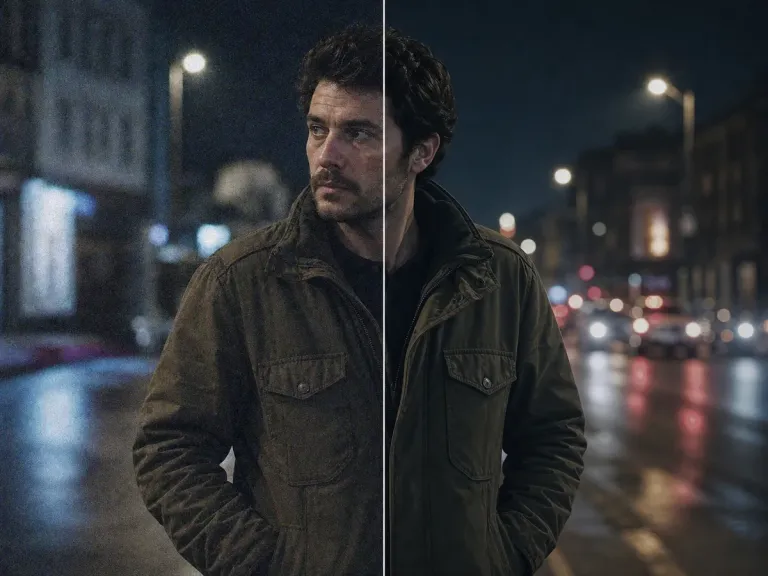
Motion Deblurring
Perfect for gaming channels and action sports. We stabilize shaky footage and reconstruct blurred frames to ensure every fast-paced moment is crisp and viewable.
- Smooth pans
- Readable text
- Artifact removal

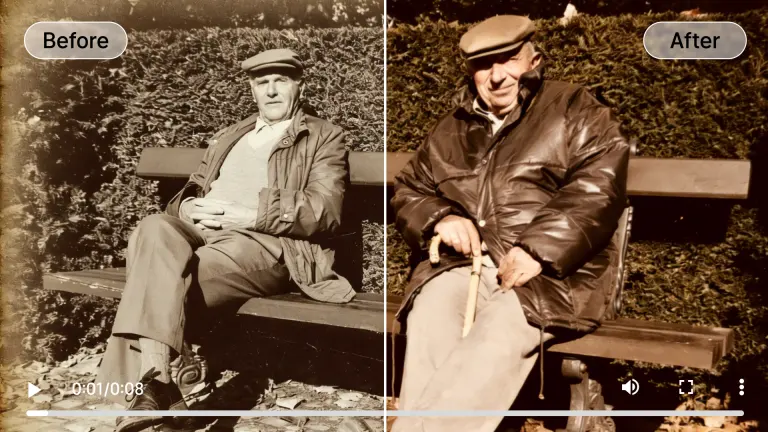
Old Footage Restoration
Prepare archived source footage for a new upload by reducing visible grain, improving contrast, and upscaling resolution before YouTube applies its own compression.
- Remove artifacts
- Color correction
- Modern standards
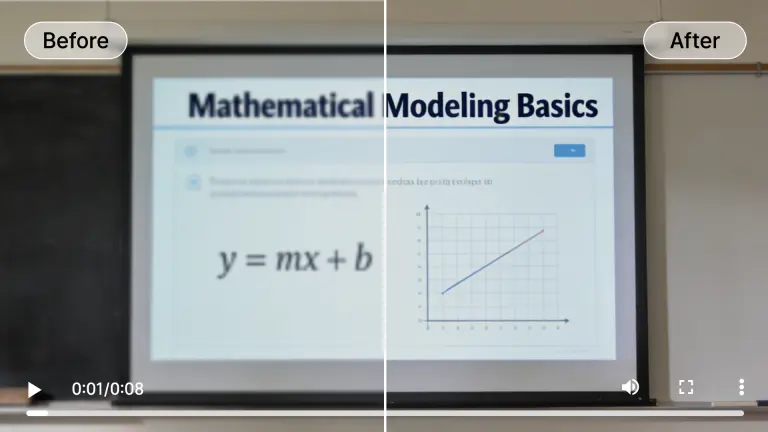
Text & UI Clarifier
Essential for tutorial creators. We detect screen elements and text overlays, ensuring code, subtitles, and interfaces remain razor-sharp after upload compression.
- Readable code
- Sharp subtitles
- Clean UI edges
Optimized for Every Youtube Creator
Whether you vlog, game, or teach, utilize our youtube video quality enhancer to stand out in the feed.
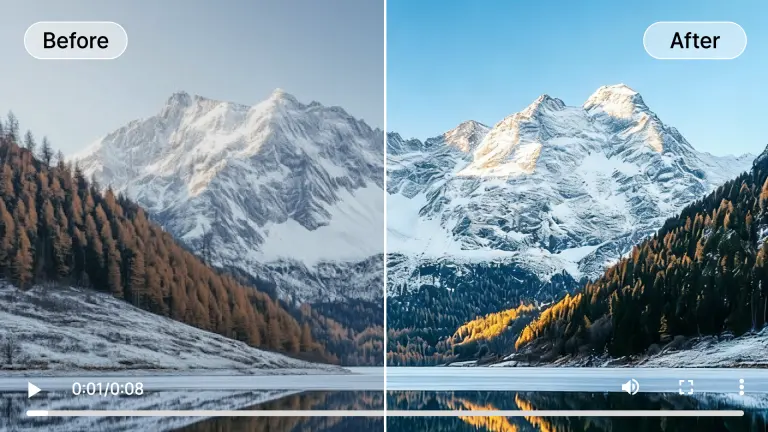
Gaming Content
Fast motion in games often leads to pixelation on YouTube. Upscale gameplay to 4K to force high-bitrate streaming for your viewers.
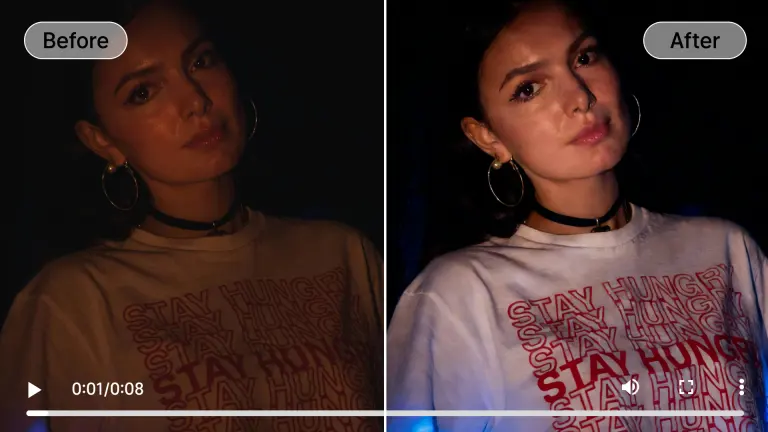
Vlogs & Lifestyle
Don't let bad lighting ruin a great moment. Enhance face details and remove grain from handheld camera footage automatically.

Educational & Tutorials
Ensure small text and detailed diagrams are legible. Our AI specifically targets geometric shapes and text for maximum clarity.
Archive Restoration
Re-upload classic content in HD. Restore old VHS or 480p videos to modern standards to monetize your back catalog.
Shorts & Reels
Vertical video needs to be pristine. Upscale your phone footage to ensure your Shorts look premium on high-res mobile screens.
Hover over any card to preview the AI enhancement magic
Professional Tech, Zero Hardware
Why AIAI.com is the superior youtube improve video quality solution compared to desktop software.
Cloud-Based Processing
Don't melt your laptop. Our industrial-grade GPU clusters handle the heavy AI lifting, so you can edit on a Chromebook or tablet.
YouTube-Specific Models
Our AI is trained on dataset patterns specifically related to video streaming compression, ensuring the output resists YouTube's aggressive encoding.
Privacy First
Your footage is yours. All uploads are encrypted and automatically deleted from our servers after processing is complete.

Universal Compatibility
We support MP4, MOV, MKV, and WEBM. Whether you shoot on a DSLR, GoPro, or iPhone, we can enhance it.
Who Needs a YouTube Video Quality Enhancer?
From restoring family memories to upscaling anime, see how AIAI transforms video for everyone.
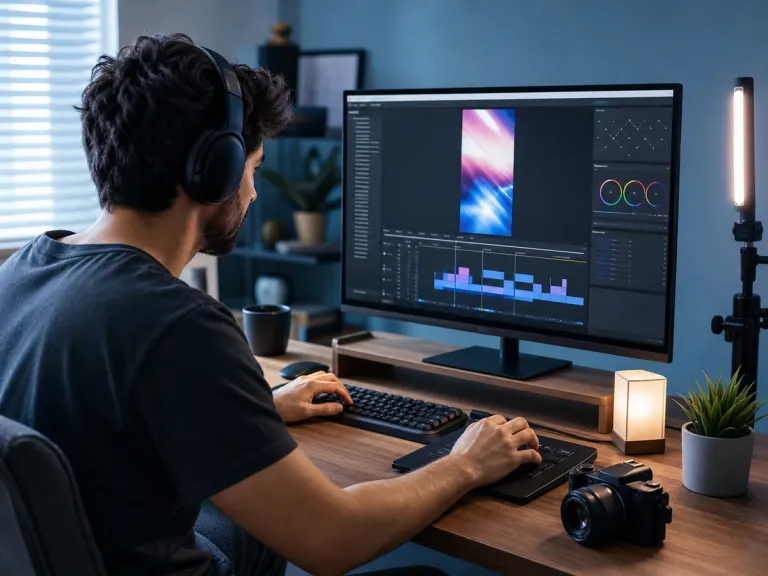
Full-Time YouTubers
Increase watch time and retention by delivering 4K content that looks professional on large TV screens.
Gaming Streamers
Convert 1080p stream archives into high-bitrate 4K videos that don't get crushed by YouTube's compression.
Brand Channels
Ensure your product demos and corporate videos reflect your brand's premium quality with noise-free visuals.
Online Educators
Make whiteboard text and screen shares readable for students, even when viewed on mobile devices.
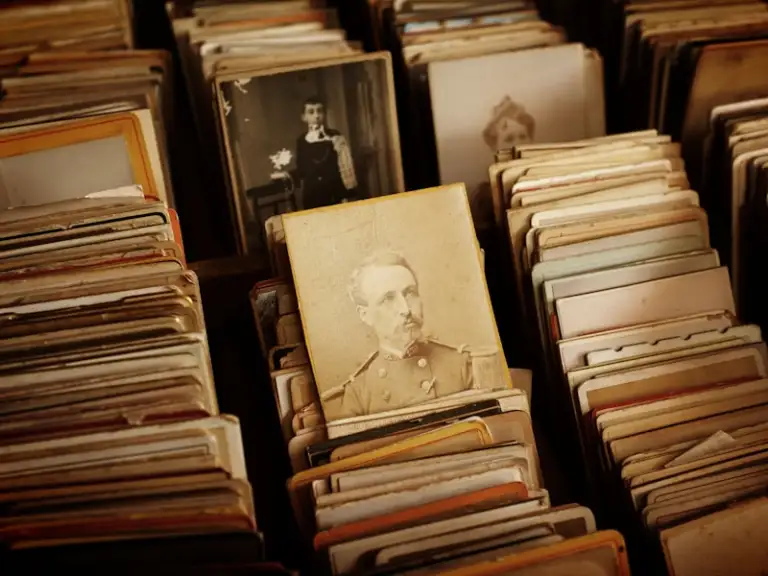
Media Archivists
Digitize and restore historical footage for documentary channels, bringing history to life in HD.
All processed securely in the cloud. No heavy hardware needed.
Flexible Plans to Increase Video Quality AI
Choose the plan that fits your needs. Start with our free video enhancer option to test the waters.
Loading magic...
YouTube Enhancement FAQs
Common questions about how to improve video quality on YouTube with AI.