
Upscale Video to 4K with AI
Prepare lower-resolution footage for 4K output with AI-assisted upscaling, noise reduction, and detail enhancement. Preview the result online before downloading the processed video.

Enhance Video Quality Online Instantly
Drag and drop your file here to start. Supported formats: MP4, MOV, AVI, MKV.
How to Upscale Video to 4K Online
Three simple steps to upconvert video to 4K quality using our automated AI engine.
Upload Your Footage
Drag and drop your SD (480p) or HD (1080p) footage directly into the browser. We support MP4, MOV, and AVI formats for instant processing.
- No credit card required
- Instant processing
- Secure cloud storage
Drop video here
MP4, MOV, WEBM
AI Enhancement Process
Our AI 4K video upscaling model analyzes every frame, generating millions of new pixels to sharpen details and remove compression artifacts.
- No credit card required
- Instant processing
- Secure cloud storage
Enhancement Settings
Download 4K Result
Preview the crystal-clear difference and download your enhanced video. Experience the best video quality enhancer 4k online free of watermarks.
- No credit card required
- Instant processing
- Secure cloud storage

Why Choose Our 4K Video Enhancer?
Experience the power of professional AI upscaling designed for filmmakers, content creators, and archivists.
AI-Assisted 4K Upscaling
Upscale compatible 1080p footage to a 4K output while improving edge definition and reducing visible artifacts. The result depends on source focus, bitrate, and compression.
- 4x Resolution Boost
- Sharper Edges
- Natural Textures

Intelligent Denoising
Clean up low-light footage instantly. Our engine identifies and removes digital noise and film grain while preserving the natural look of your video, ensuring your 4K output is pristine.
- ISO Noise Removal
- Compression Artifact Fix
- Clearer Shadows
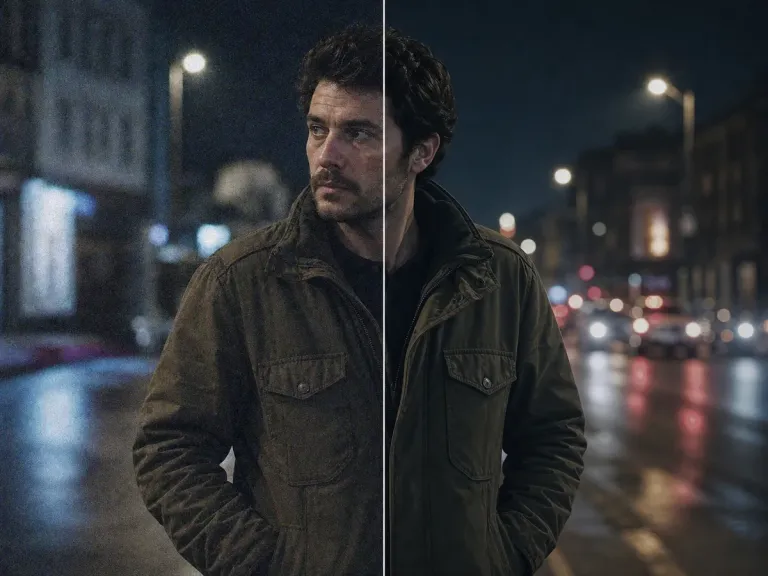
AI Frame Interpolation
Boost smoothness alongside resolution. Convert choppy 30fps footage into fluid 60fps 4K video using predictive frame generation, perfect for fast-paced action and sports.
- 60fps Conversion
- Reduced Jitter
- Fluid Motion
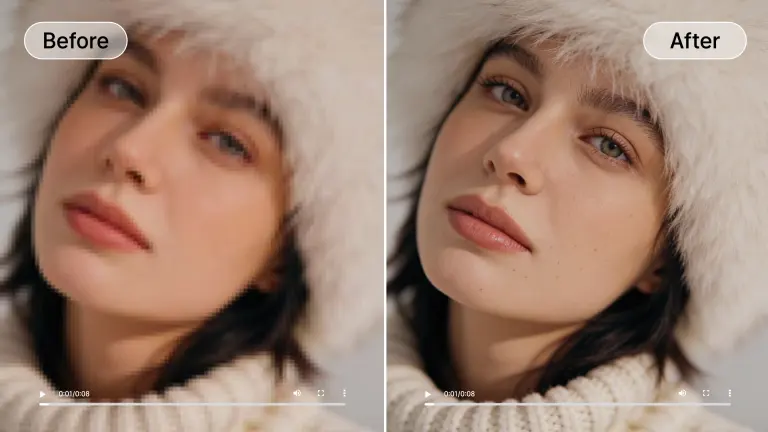
Color Revitalization
Revitalize washed-out colors during the upscaling process. Our AI automatically adjusts contrast, saturation, and white balance to give your upconverted video a vibrant, professional 4K look.
- HDR-like Effect
- Correct White Balance
- Vibrant Tones
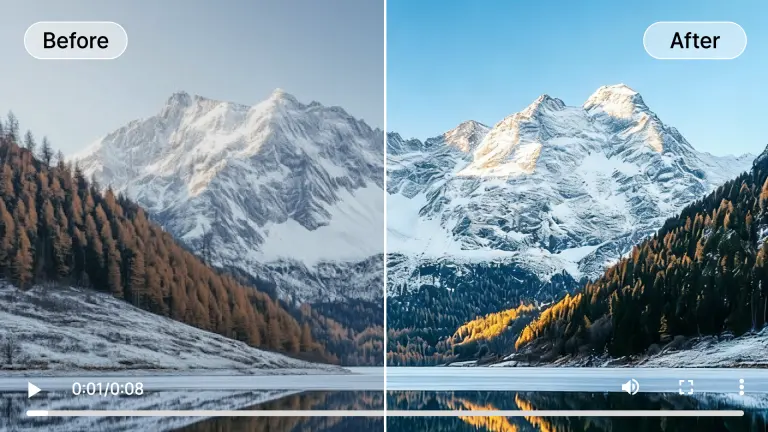
De-Blur & Sharpening
Fix out-of-focus shots effortlessly. Our 4K video upscaler intelligently detects soft edges and recovers textures lost in compression or poor focus, making every frame crisp.
- Focus Correction
- Texture Recovery
- Sharp Details
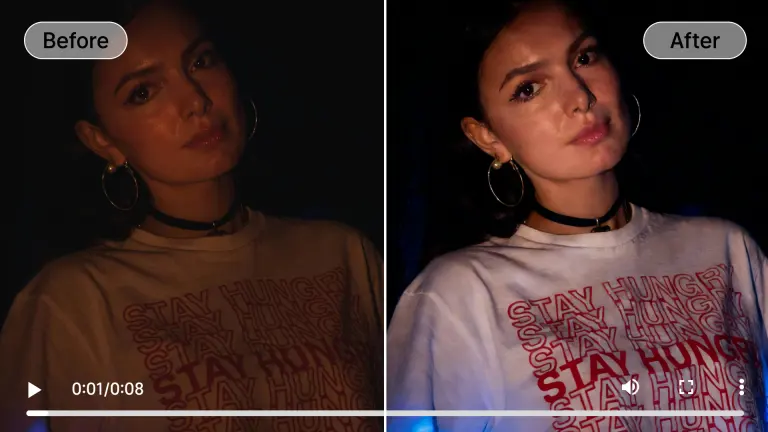
Real-World 4K Enhancement Results
See how our video quality enhancer 4k online free tool transforms different types of footage.
Portrait Detail Recovery
Restores facial details, skin texture, and natural lighting in blurry or low-res portrait videos when upscaling to 4K.
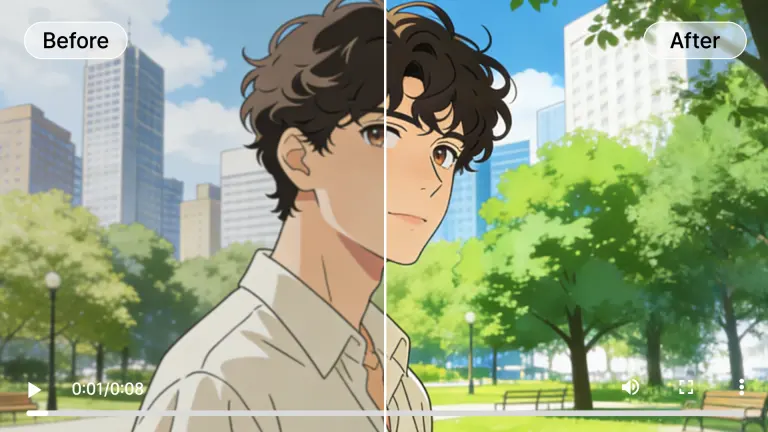
Anime 4K Upscale
Optimized for 2D animation. Sharpens lines, removes compression artifacts, and boosts vibrancy for a perfect 4K viewing experience.
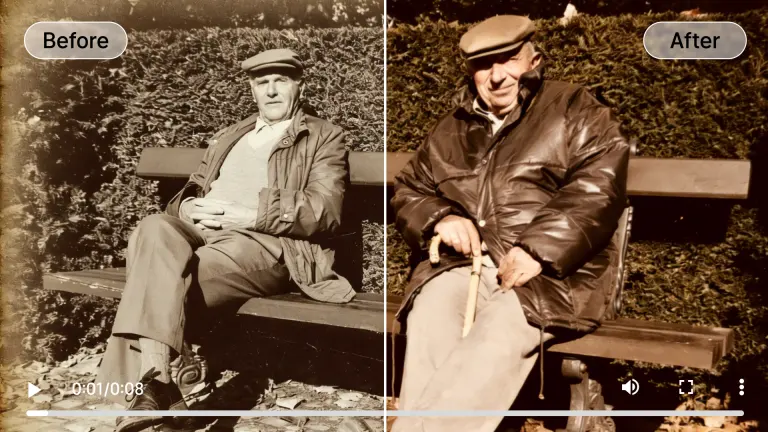
Old Footage Restore
Reduce visible grain and flicker in digitized home movies, then prepare a higher-resolution export for modern displays.
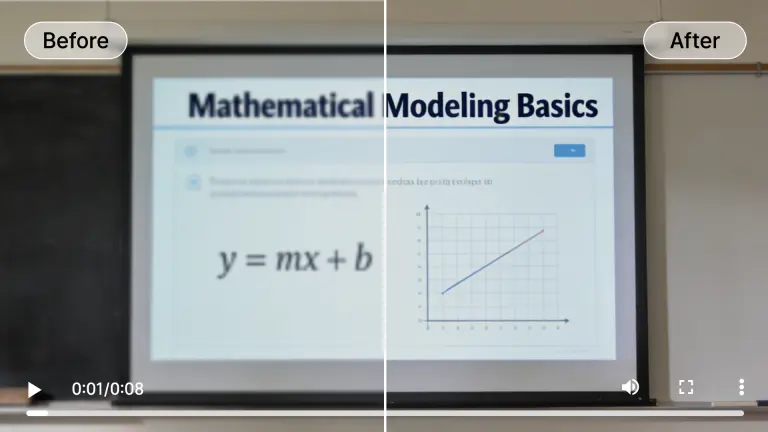
Text Clarity
Improve edge contrast in subtitles and screen recordings. Severely blurred or missing characters may remain unreadable after enhancement.
Night Mode Enhancement
Brightens dark scenes and reduces ISO noise without washing out colors, perfect for upscaling low-light smartphone footage.
Hover over any card to preview the AI enhancement magic
Powered by Next-Gen AI Technology
What makes our 4K video upscaler superior to traditional editing software.

Deep Learning Super Resolution
The model analyzes spatial detail and consistency across frames to produce a 4K-sized output that looks more coherent than simple pixel interpolation.

Temporal Consistency Engine
Unlike basic filters, our engine analyzes past and future frames to ensure enhancements remain stable over time, eliminating the 'jitter' and flickering common in early AI tools.
Cloud-Based GPU Rendering
Harness powerful enterprise GPUs in the cloud. No need to buy expensive graphics cards or install heavy software to upscale video to 4K.
Privacy & Security
We use enterprise-grade encryption for all uploads. Your footage is processed automatically and permanently deleted from our servers after 24 hours.
Who Needs AI 4K Video Upscaling?
From professional filmmakers to casual creators, everyone benefits from higher resolution and better quality.
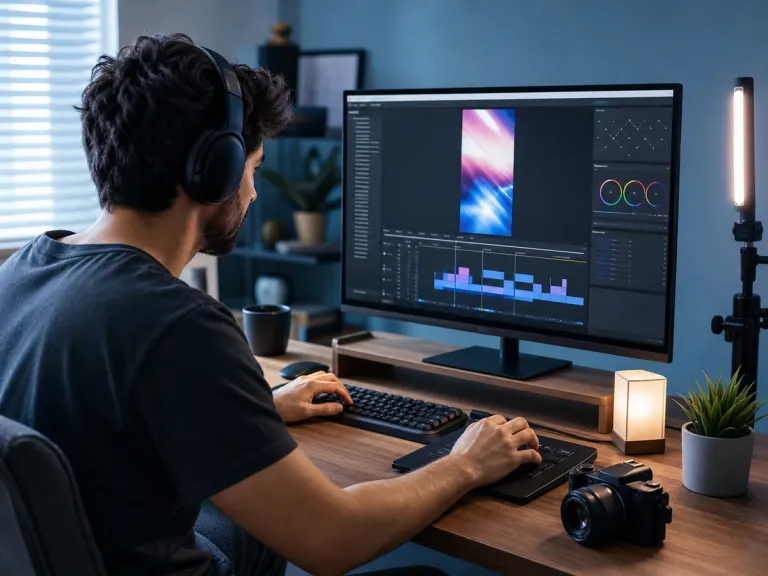
Content Creators
Future-proof your YouTube channel by upscaling 1080p content to 4K. Higher resolution videos get better bitrate treatment and ranking on streaming platforms.
Marketing Agencies
Deliver 4K commercials even when working with HD stock footage. Ensure your brand looks premium on large displays and ultra-high-definition monitors.
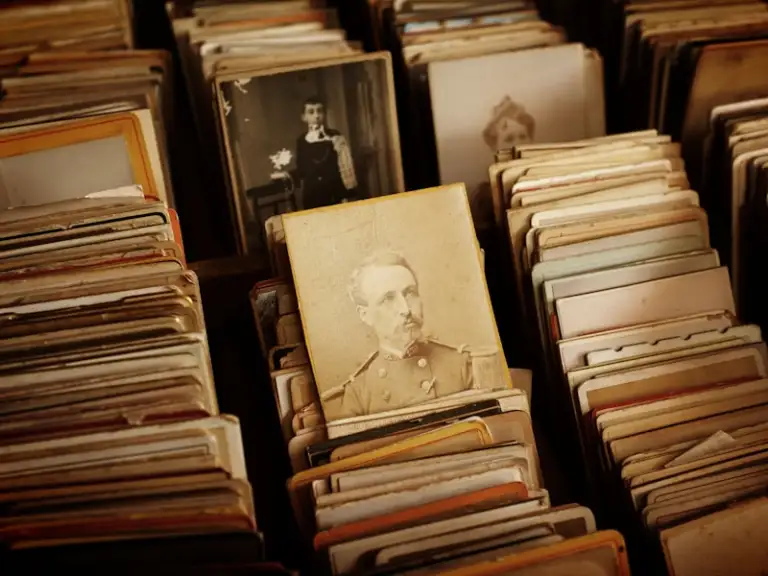
Archivists & Historians
Preserve historical footage by upconverting it to modern 4K standards. Remove noise and damage from old film reels for digital preservation.
E-commerce
Showcase products with crystal clear video details. Upscale product demos to 4K to allow customers to see textures and features clearly.
Real Estate
Present property tours in stunning 4K clarity. High-definition video tours attract more premium buyers and showcase home details better.
All processed securely in the cloud. No heavy hardware needed.
Flexible Plans to Increase Video Quality AI
Choose the plan that fits your needs. Start with our free video enhancer option to test the waters.
Loading magic...
Frequently Asked Questions
Everything you need to know about upscaling video to 4K.