
AI Video Pixel Enhancer for Compression Artifacts
Reduce blockiness, jagged edges, and visible compression artifacts in low-quality footage. AI enhancement can improve perceived clarity, although it cannot recover detail that was never captured.
Enhance Video Quality Online Instantly
Drag and drop your file here to start. Supported formats: MP4, MOV, AVI, MKV.
Fix Pixelated Videos in 3 Simple Steps
Our automated video pixel quality enhancer makes professional restoration effortless. Just upload, process, and download your upgraded footage.
Upload Your Footage
Drag and drop your pixelated or blurry video files directly into your browser. We support all major formats including MP4, MOV, and AVI, ensuring a seamless start to your enhancement journey.
- No credit card required
- Instant processing
- Secure cloud storage
Drop video here
MP4, MOV, WEBM
AI Pixel Enhancement
Our advanced deep learning algorithms analyze every frame to identify compression blocks and noise. The AI intelligently reconstructs missing pixel data to increase video pixel quality significantly.
- No credit card required
- Instant processing
- Secure cloud storage
Enhancement Settings
Download HD Result
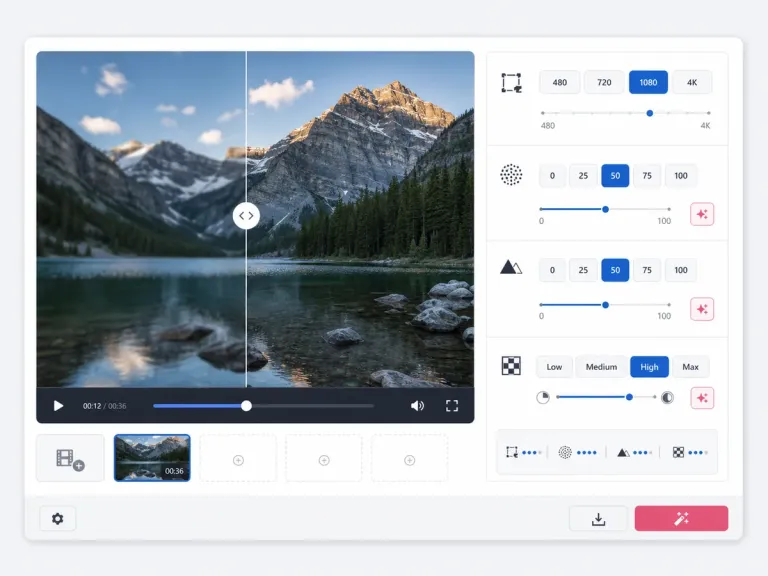
Preview the crystal-clear difference side-by-side. Once satisfied, download your newly restored video with restored details and sharp edges, free from pixelation.
- No credit card required
- Instant processing
- Secure cloud storage

Professional-Grade Video Pixel Quality Enhancer
Discover the advanced capabilities that make AIAI.com the industry standard for fixing blurry and low-res footage without complex software.
Compression Artifact Removal
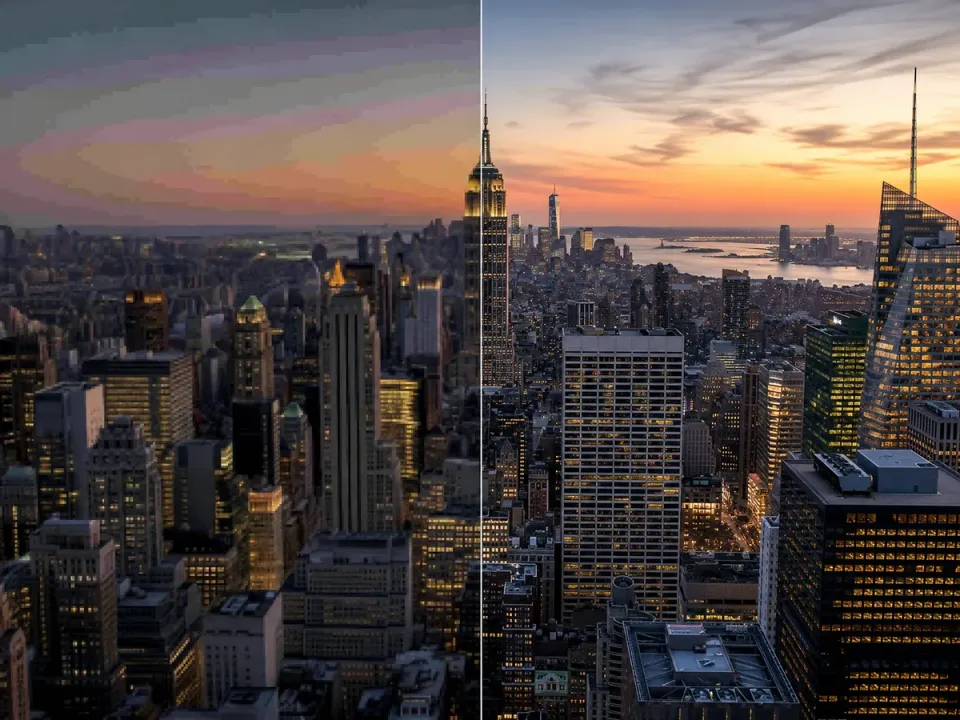
Heavily compressed videos often suffer from 'macroblocking' or square artifacts. Our pixelated video enhancer specifically targets these blocks, smoothing the edges and restoring the natural texture of the image underneath. This is essential for fixing low-bitrate streams or older web videos.
- Removes blocking artifacts
- Smooths gradients
- Restores visual fidelity
4K AI Upscaling
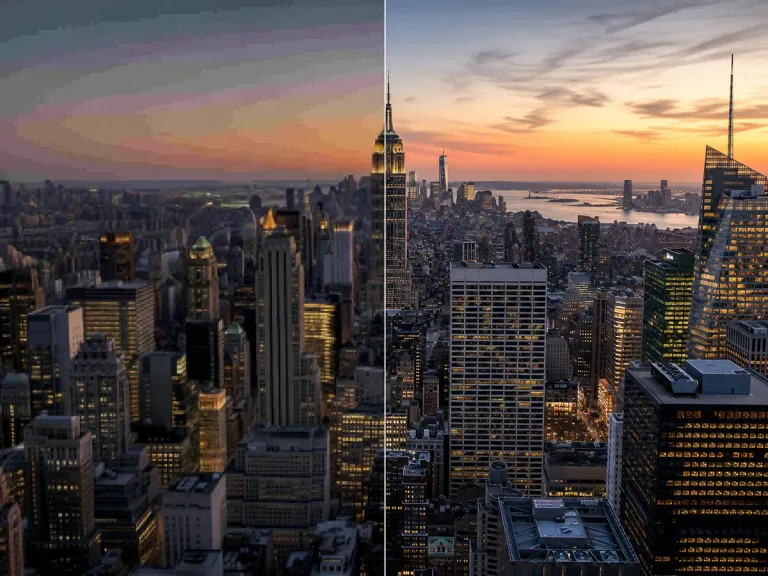
Don't just fix pixels; multiply them. Our engine can upscale low-resolution footage (360p or 480p) up to 4K. Unlike traditional stretching which causes blur, our AI generates new pixels based on context, resulting in a genuine increase in video pixel quality and sharpness.
- Up to 400% enlargement
- Preserves edge sharpness
- Generates realistic details
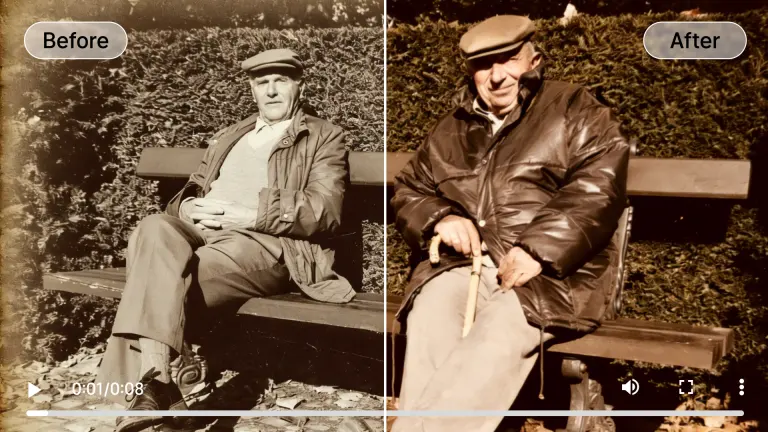
Intelligent Detail Recovery
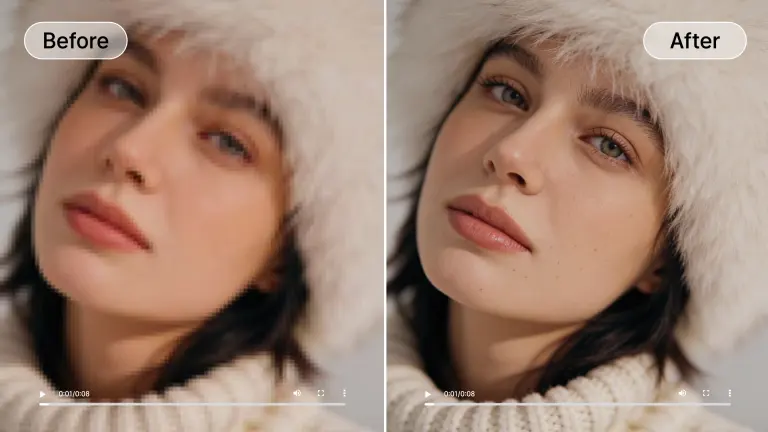
When footage is soft, details such as hair and fabric texture may be reduced or lost. AI enhancement can refine visible edges and estimate a more coherent texture, but the result should not be treated as a factual reconstruction of missing detail.
- Restores skin texture
- Sharpens fabric patterns
- Clarifies background elements
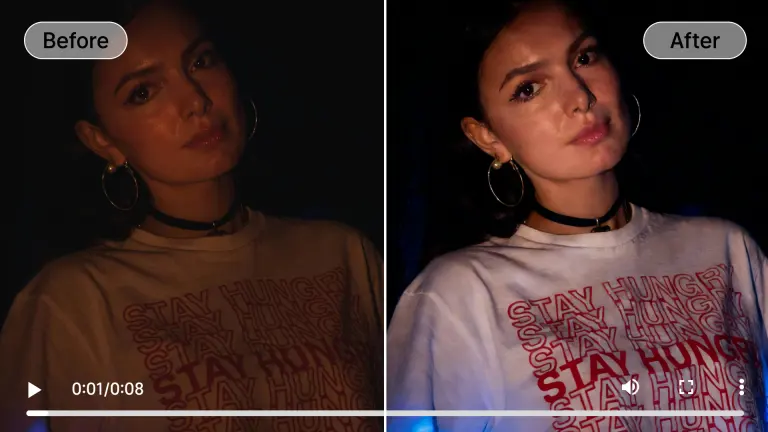
Low-Light Noise Reduction
Pixelation is often worse in dark videos due to ISO noise. Our video pixel enhancer online tool separates signal from noise, effectively cleaning up grainy night footage while maintaining the integrity of the actual scene details.
- Removes color noise
- Clarifies shadows
- Enhances contrast
Motion De-Blurring
Fast-moving objects often smear across the screen, reducing pixel clarity. We utilize temporal analysis to look at frames before and after the blur event, allowing the AI to reconstruct a sharp image of the moving subject.
- Stabilizes fast motion
- Sharpens moving subjects
- Reduces ghosting
When to Use Our Pixelated Video Enhancer
From social media clips to vintage archives, our tool adapts to every restoration need to increase video pixel quality.
Low-Bitrate Streaming Fix
Perfect for fixing recordings of live streams or video calls that suffered from bad internet connections. It smooths out the 'blocky' compression artifacts common in Zoom or Twitch recordings.
Old Mobile Footage
Revitalize videos taken on early smartphones (3GP or early MP4s). Our pixelated video enhancer removes the digital noise and sharpens the low-resolution sensors of the past.
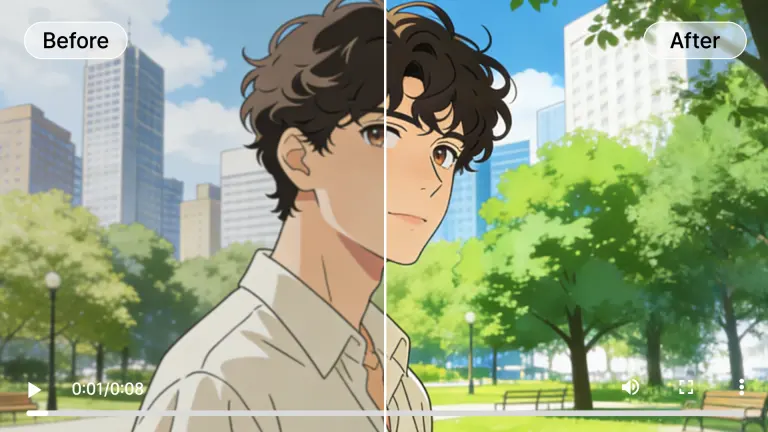
Anime & Animation
Animation often suffers from compression artifacts around line art. Our tool is specifically tuned to sharpen lines and flatten colors, making it the ideal blurry video enhancer for anime.
Security & CCTV
Clarify grainy security footage to identify faces or license plates. By increasing video pixel quality, you can turn unusable evidence into clear, actionable visual data.

Text & Presentations
Improve edge contrast around text in screen recordings or presentations. If the source contains too few pixels to identify a character, enhancement may not make it readable.
Hover over any card to preview the AI enhancement magic
The Technology Behind The Magic
How our video pixel enhancer online tool outperforms standard editing software using Generative Adversarial Networks (GANs).
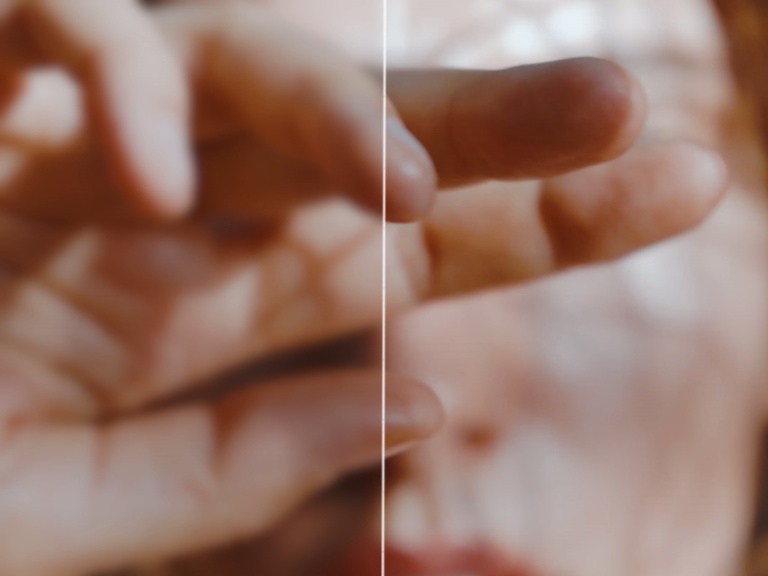
Deep Convolutional Networks
Unlike basic sharpening filters, our DCNs analyze the context of surrounding pixels to intelligently predict what the high-quality version of the image should look like.
Temporal Consistency Engine
We don't just process single frames. Our engine tracks pixels across time to ensure that enhancements remain stable, preventing the flickering effect seen in lesser tools.
Sub-pixel Reconstruction
Our model operates at a sub-pixel level, effectively increasing the pixel density of your footage to reveal details that were previously invisible to the naked eye.
Cloud GPU Acceleration
Processing video requires immense power. We utilize clusters of enterprise-grade GPUs in the cloud so you can increase video pixel quality without an expensive computer.
Who Needs to Increase Video Pixel Quality?
Trusted by creators, archivists, and professionals worldwide to rescue and enhance footage.
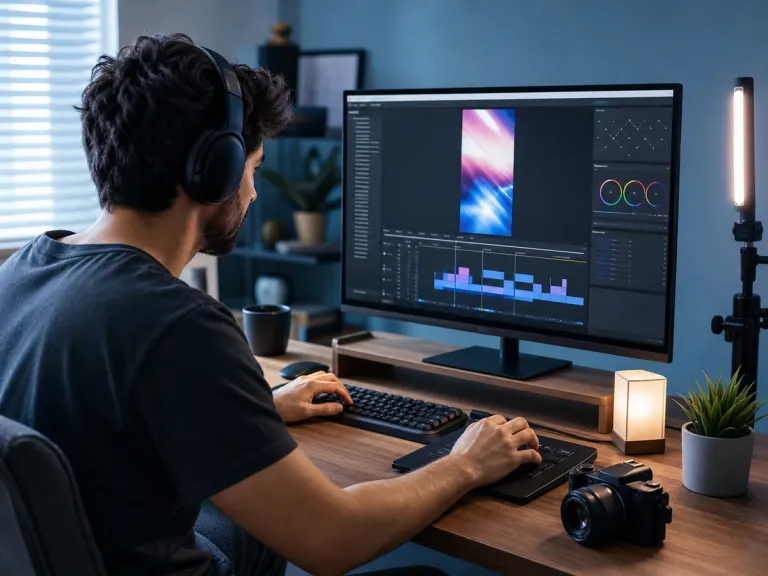
Content Creators
Upscale 1080p footage to 4K for YouTube or social media. Ensure your content looks premium even if it was shot on older equipment or cropped significantly.
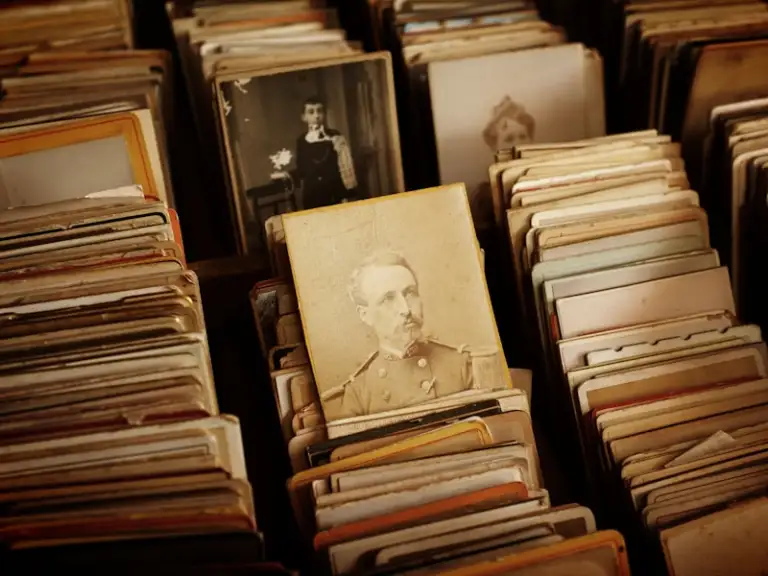
Digital Archivists
Preserve historical footage by removing degradation. Our pixelated video enhancer is essential for museums and libraries digitizing analog tape collections.
Educators & Coaches
Fix blurry lecture recordings or sports coaching videos. Clear visuals are crucial for analysis and learning, making this the perfect blurry video enhancer for education.
Marketing Agencies
Polish User Generated Content (UGC) for commercial use. Turn low-quality customer testimonials into broadcast-ready assets by fixing pixelation.
Retro Gamers
Upscale gameplay recordings from older consoles. Capture the nostalgia of 8-bit or 16-bit games while making them look crisp on modern 4K displays.
All processed securely in the cloud. No heavy hardware needed.
Flexible Plans to Increase Video Quality AI
Choose the plan that fits your needs. Start with our free video enhancer option to test the waters.
Loading magic...
Frequently Asked Questions
Everything you need to know about fixing pixelated videos and using our enhancement tools.