
AI Video Resolution Enhancer and Upscaler
Increase the output resolution of low-quality footage while improving edge definition and reducing visible compression artifacts. Choose the resolution that fits your screen, platform, or editing workflow.

Enhance Video Quality Online Instantly
Drag and drop your file here to start. Supported formats: MP4, MOV, AVI, MKV.
How to Increase Resolution of Video Online
Our streamlined process makes it easy to improve video resolution free of complex manual editing tools.
Upload Your Footage
Simply drag and drop your low-resolution video file into our secure browser interface. We support all major formats including MP4, MOV, and AVI for seamless processing.
- No credit card required
- Instant processing
- Secure cloud storage
Drop video here
MP4, MOV, WEBM
AI Enhancement Processing
Our powerful AI video resolution enhancer analyzes every frame, generating missing pixels and refining details to upscale video resolution naturally.
- No credit card required
- Instant processing
- Secure cloud storage
Enhancement Settings
Preview and Download
Compare the results side-by-side. Once satisfied with the clarity and sharpness, download your newly enhanced high-definition video instantly.
- No credit card required
- Instant processing
- Secure cloud storage

Powerful Features of Our Video Resolution Upscaler
Discover the comprehensive toolkit designed to improve video resolution and restore quality with professional precision.
4K AI Upscaling
Convert compatible SD or HD footage to a higher-resolution output. The upscaler analyzes edges and textures across frames instead of applying only a basic resize, but it cannot reproduce source detail with perfect certainty.
- Up to 400% resolution increase
- Sharpens edges naturally
- Maintains texture fidelity

Motion Deblurring
Fast-moving subjects often result in blurry frames that ruin video quality. Our AI video resolution enhancer detects motion vectors and reconstructs sharp details, making sports footage or handheld camera shots look stable and professional.
- Removes motion smear
- Stabilizes shaky details
- Ideal for action cams

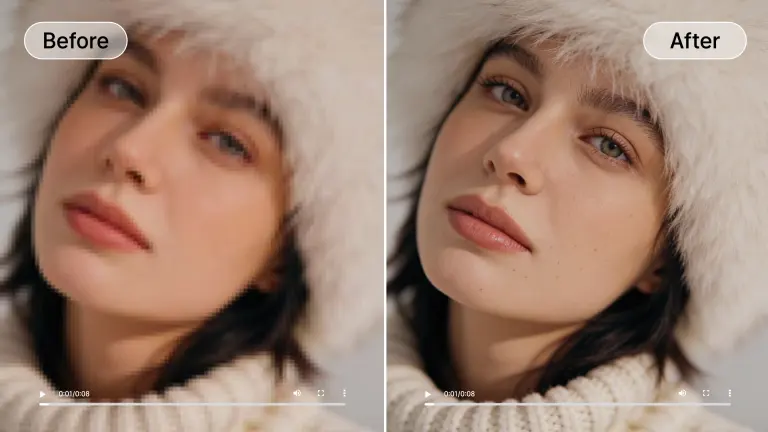
Compression Artifact Removal
Compressed web videos often show blockiness and mosquito noise. Artifact reduction can make those patterns less distracting before the video is resized for a higher-resolution export.
- Eliminates JPEG artifacts
- Smooths gradients
- Reduces digital noise
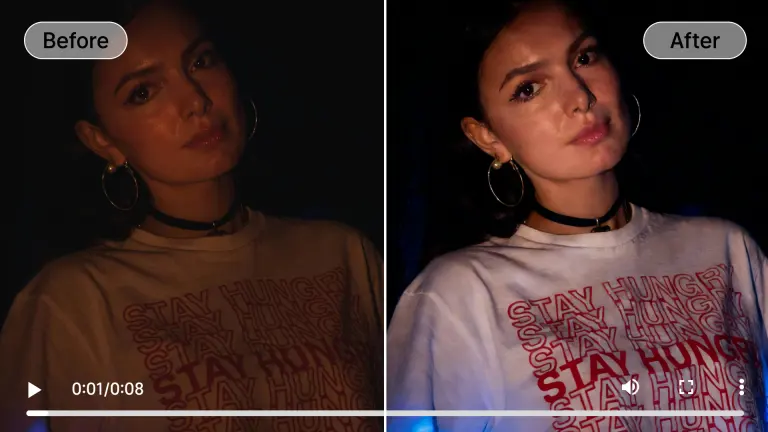
Low-Light Enhancement
Dark footage is notoriously difficult to upscale due to sensor noise. Our specialized model brightens scenes while distinguishing between grain and detail, allowing you to improve video resolution free from the grainy look of high ISO settings.
- Reduces ISO grain
- Enhances shadow detail
- Corrects color cast
Frame Interpolation
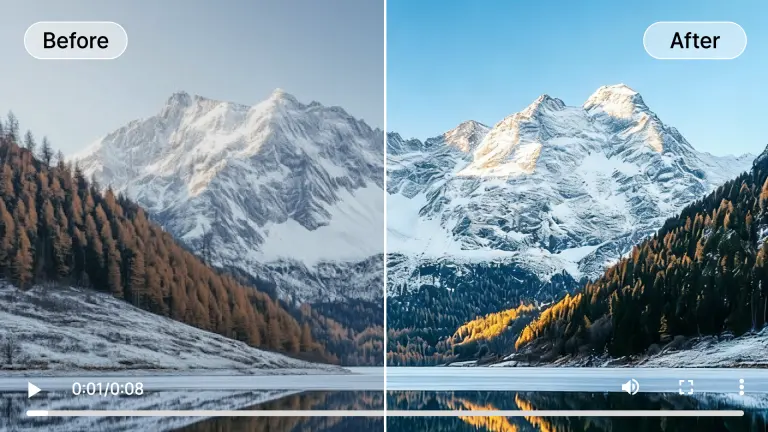
Beyond spatial resolution, we enhance temporal resolution. Convert choppy low-frame-rate video into smooth 60fps footage. This works in tandem with our upscaler to provide a complete quality transformation for older videos.
- Generates intermediate frames
- Silky smooth playback
- Reduces stuttering
Scenarios for Video Resolution Enhancement
Our versatile AI video resolution enhancer adapts to various footage types to deliver optimal results.
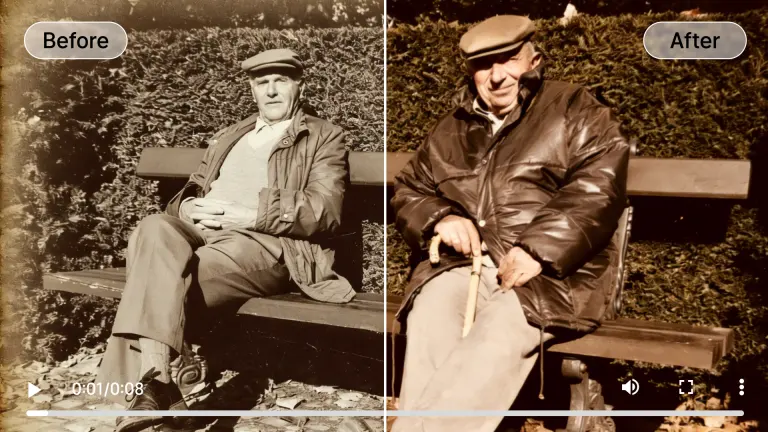
Old Family Archives
Preserve your memories by digitizing and enhancing old VHS or camcorder tapes. Our tool removes analog noise and sharpens blurry faces, making vintage moments look like they were shot yesterday.
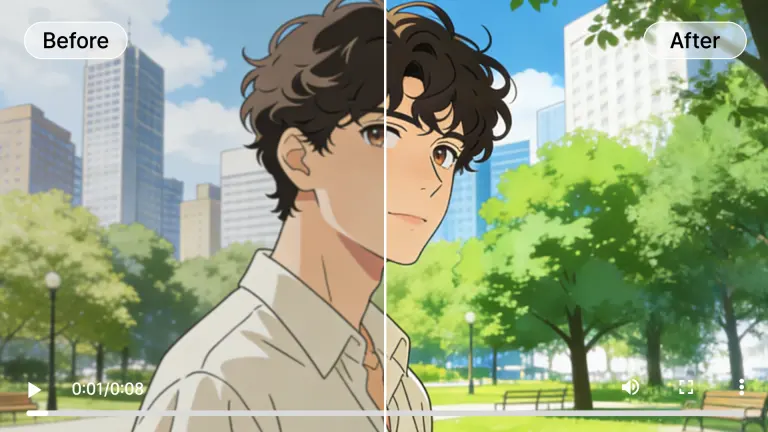
Anime & Animation
Anime benefits immensely from our upscaler. We sharpen line art and flatten color areas to remove compression artifacts, allowing you to upscale video resolution of classic cartoons to 4K effortlessly.
Social Media Content
Don't let compression algorithms ruin your posts. Increase resolution of video online before uploading to Instagram, TikTok, or YouTube to ensure your content stands out with crystal clear quality.
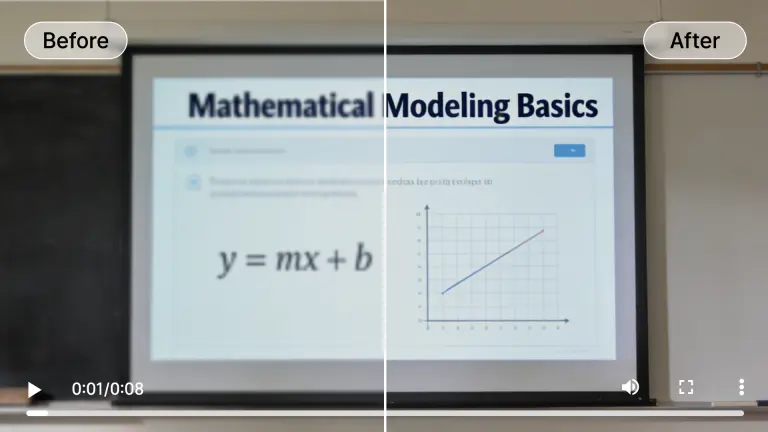
Text & Documents
Soft screen recordings or lecture videos can make text difficult to read. Edge enhancement may improve recognizable characters, but it cannot recover text that is absent from the source.
Night & Low Light
Concerts, parties, and evening vlogs often suffer from noise. Use our tool to improve video resolution free of grain, revealing details in the shadows without washing out the atmosphere.
Hover over any card to preview the AI enhancement magic
Why Our AI Video Resolution Enhancer Leads the Industry
We combine cutting-edge machine learning with massive cloud computing power to deliver unrivaled quality.

Generative Adversarial Networks
Unlike basic interpolation, our GAN models understand what objects should look like. This allows the AI video resolution enhancer to generate realistic textures—like skin pores, brickwork, or foliage—that weren't present in the original low-res file.
Cloud-Based Rendering
Upscaling requires immense processing power. We handle the heavy lifting on our enterprise-grade GPU clusters, so you can increase resolution of video online from any device, even a smartphone or tablet.
Temporal Consistency Engine
Many AI tools cause flickering between frames. Our engine analyzes past and future frames simultaneously to ensure that enhancements remain stable over time, providing a smooth viewing experience.

Privacy & Security
Your footage is yours alone. We use encrypted transfers and auto-delete files from our servers after processing, making us a trusted video resolution enhancer for sensitive personal or business content.
Who Needs a Video Resolution Upscaler?
From restoring family memories to upscaling anime, see how AIAI transforms video for everyone.

Content Creators
Creators can upscale source footage before uploading to streaming platforms. This changes the exported resolution; it does not guarantee platform ranking, retention, or a specific compression result.
Marketing Agencies
Repurpose older campaign assets for modern high-res displays. Improve video resolution free of the cost of reshooting, maximizing ROI on existing media libraries.
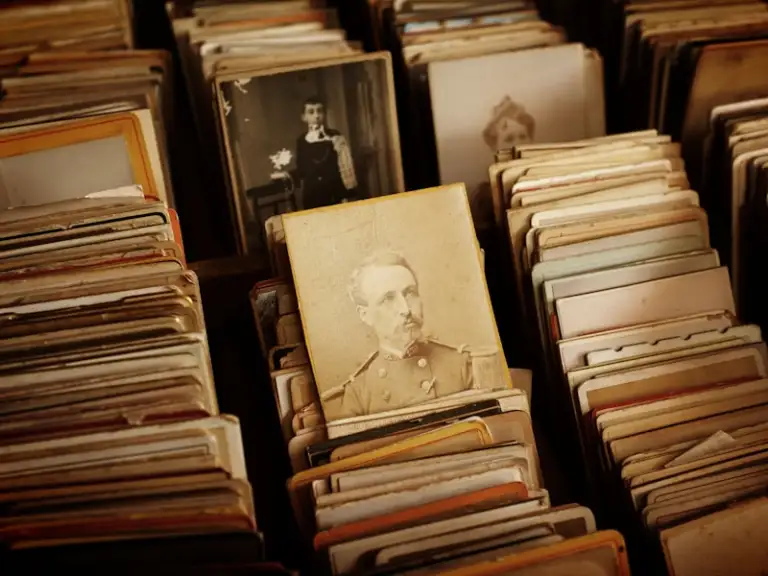
Digital Archivists
Museums and historians use our AI video resolution enhancer to restore historical footage, making it suitable for modern documentaries and educational exhibits.
Gamers & Streamers
Upscale recorded gameplay from older consoles or lower settings. Turn 720p stream VODs into crisp 1440p or 4K highlight reels for your community.
E-commerce Sellers
Clear product videos convert better. Increase resolution of video online to showcase product details, fabric textures, and features with absolute clarity.
All processed securely in the cloud. No heavy hardware needed.
Flexible Plans to Increase Video Quality AI
Choose the plan that fits your needs. Start with our free video enhancer option to test the waters.
Loading magic...
Frequently Asked Questions
Everything you need to know about our AI video resolution enhancer.